

So, your standing desk has suddenly decided to be stationary, got stuck mid-lift, or won’t respond to your commands? You’re certainly not the only one to have this happen, and, surprisingly, it’s rarely a sign of something seriously broken. Usually, a reset is all it needs – and you can typically get it working again in just a few minutes.
Standing desks use a bunch of electronics, motors, and controls to go up and down. Little glitches like a power blip, the motors getting out of sync, or accidentally hitting a button can all make the desk do nothing. A reset is like giving it a fresh start, getting everything back to where it should be.
This guide will walk you through resetting your desk, step by step. We’ll also look at when a reset is a good idea, what to do if the reset doesn’t magically fix everything, and how to deal with typical problems. You’ll likely be able to sort out most standing desk issues yourself, without needing to call in a professional.
Also See: Best Standing Desk for Drawers
When Should You Reset Your Standing Desk?

When should you reset? You won’t do it every day, of course, but it’s what to try when things aren’t working as they should. Lots of people panic and think the desk is kaput when something goes wrong, but most of the time it’s a little problem that a reset can solve, saving you time, hassle, and the expense of a replacement.
Most standing desks depend on motors working together and electronic controls. Even a small interruption to this harmony can cause the desk to become unresponsive. A reset gets everything back in line and working normally.
Desk Not Moving Up or Down
If the desk won’t go up or down, you press the button, and absolutely nothing happens – that’s a really common issue and can be frustrating if you use your desk all day. This is often because the motors aren’t quite synchronized, or a small glitch has occurred. A reset gets the motors back on the same page and gets the desk responding again, no repair needed.
Error Codes on Display
If your desk has a digital screen and you’re seeing error codes, don’t be alarmed. They usually mean a little something has briefly interrupted the system, not that something is terribly wrong. A reset is a good first try, and often clears the error and gets things going smoothly again.
Uneven or Jerky Movement
Sometimes a desk will move up and down, but not evenly – one side is a little higher than the other, or the movement is jumpy and irregular. This usually indicates the motors aren’t perfectly in sync. A reset makes both sides recalculate and move together, giving you a smooth, balanced rise and fall.
Memory Presets Not Working
And if your saved height positions suddenly aren’t doing what they’re supposed to, or are behaving unpredictably, the system probably needs to recalibrate. Those presets rely on the desk knowing exactly where it is, and if it loses track of its highest and lowest points, those saved heights will be off. Resetting the desk helps the control panel and motors communicate properly.
After Power Outage or Setup
After a power outage, if you’ve unplugged the desk, or even during its initial setup, it might not act as expected. The system has lost its bearings. A reset makes sure the desk starts with a solid, known position and then operates as it should.
Also See: Best Standing Desk Risners
Universal Reset Method (Works for Most Desks)
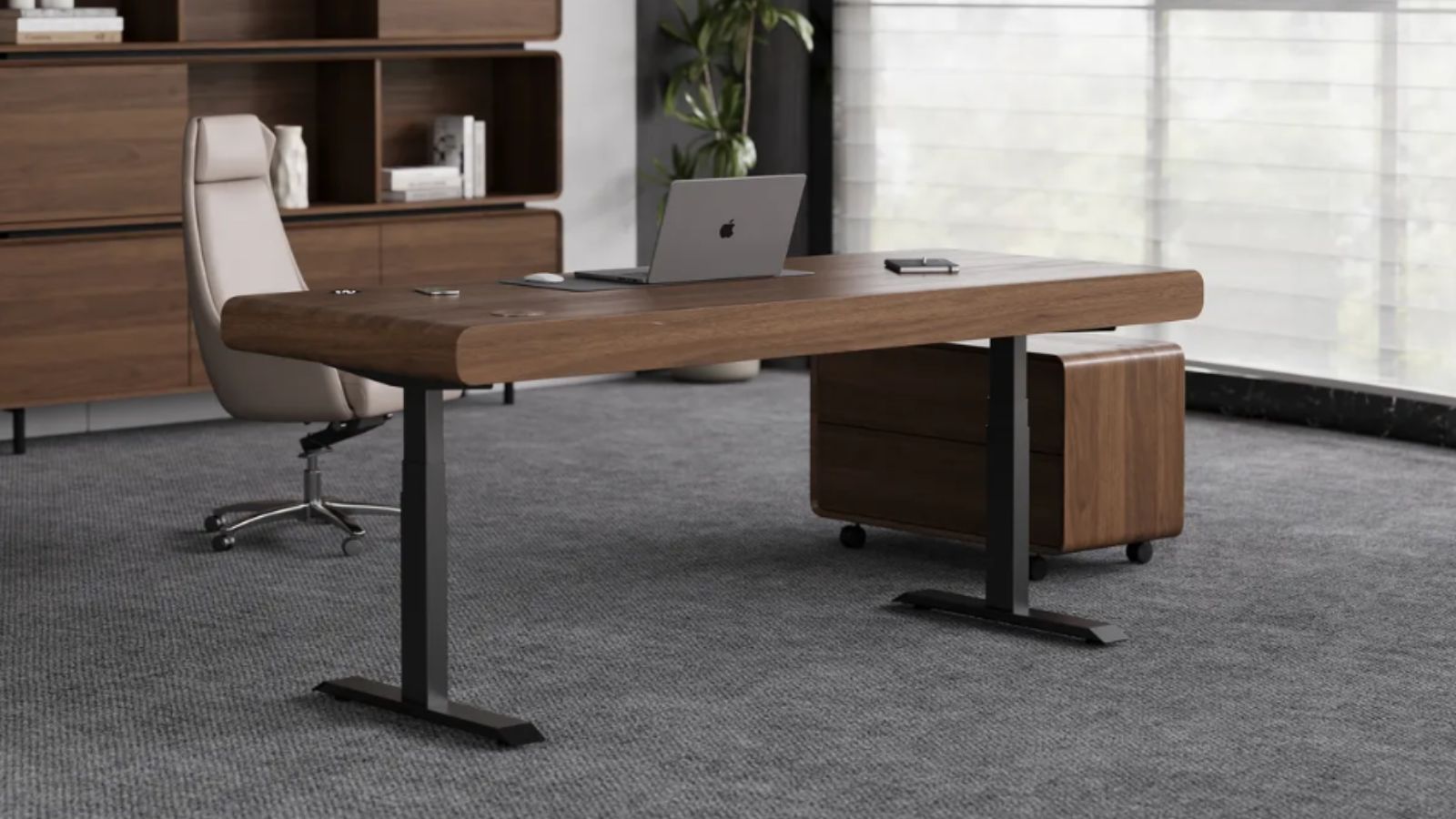
The good news is that most standing desks have a fairly similar reset procedure, no matter the make. There might be slight differences for each model, but the basic idea is the same. This “universal” reset method works in most situations and should be the first thing you attempt before more complicated fixes. It’s quick, doesn’t need any tools or technical skills, and frequently solves the problem in minutes.
Essentially, resetting lets the desk find its correct starting point again. Many common issues – unresponsive buttons, uneven movement – are because the system has forgotten its boundaries. This process restores that sense of position.
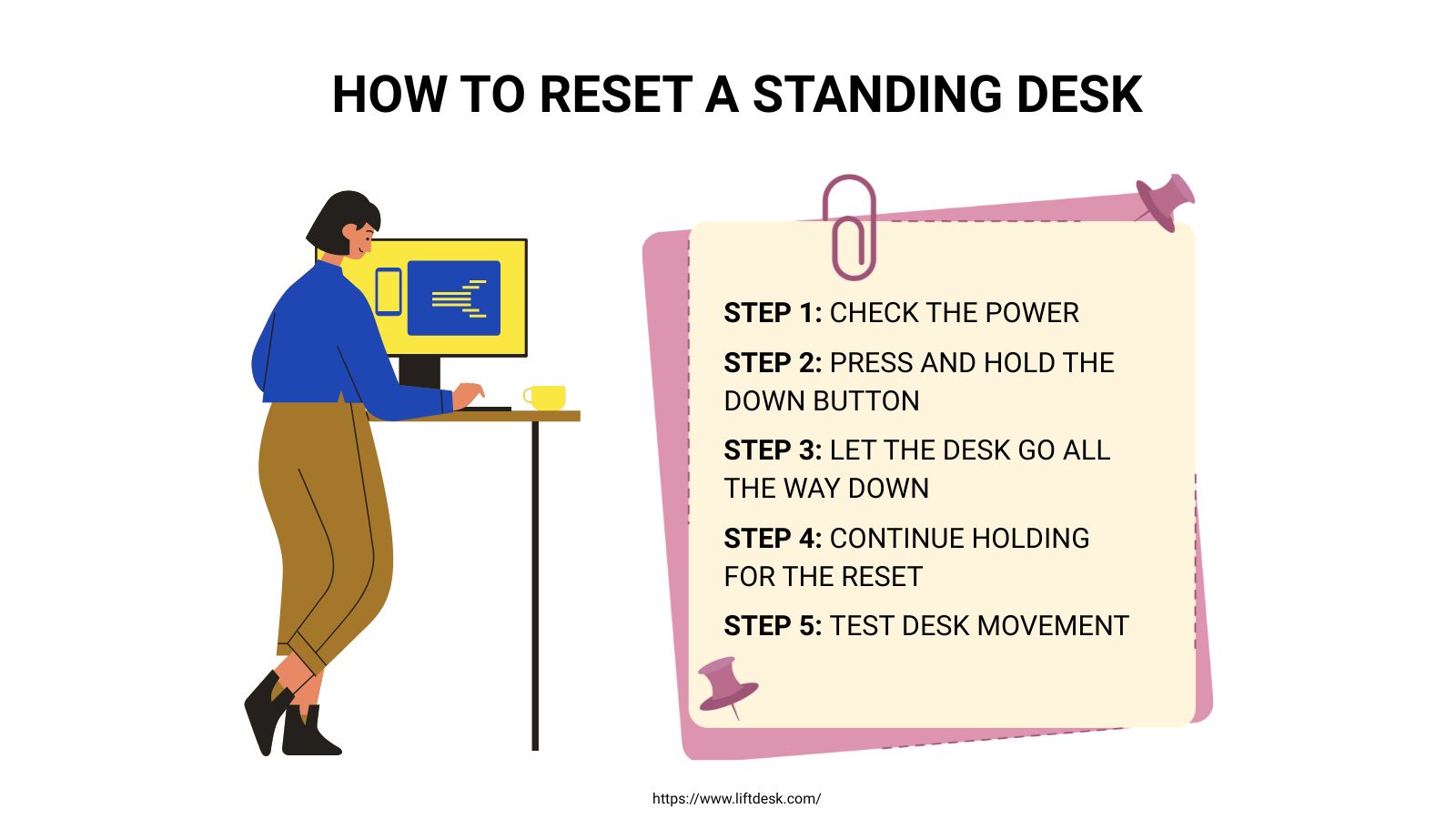
Step 1: Check the Power
Before you do anything else, be certain the desk is plugged in properly. Is the cable firmly in the wall and in the desk? Is the outlet actually working? It’s easy to miss something this simple, and sometimes a problem that seems complicated is simply a power interruption.
Step 2: Press and Hold the Down Button
Find the control panel and press the “down” button. And keep holding it down. Don’t let go. Even if the desk starts to descend, continue to press it. Holding the button tells the system you’re initiating a reset, not just trying to adjust the height. Releasing it too soon will interrupt the reset.
Step 3: Let the Desk Go All the Way Down
While you’re holding the down button, let the desk go down to its absolute lowest height. This helps the system pinpoint its lowest point. That lowest point is the reference it uses to understand its entire range of movement. If it’s already at the bottom, just continue to hold the button to make sure the reset sequence continues.
Step 4: Continue Holding for the Reset
Once it’s at the lowest point, keep holding the button for a few seconds more. You might notice it bounce a little, pause, or have a slight movement. This is perfectly normal and means the system is recalibrating. Don’t stop holding it now. Allow the desk to go all the way through its thing, because breaking the process short can stop the reset from finishing properly.
Step 5: Test Desk Movement
Once you’ve released the button, give the desk a normal test, moving it up and down. If it rises and falls nicely, at an even speed and with no hesitation, the reset was successful. However, should you still be having the same issues, try the reset again. And if it’s still not behaving, you’re probably looking at a more thorough “hard reset”, or perhaps there’s another issue to investigate.
Also see: Best Standing Desk for Teachers in 2026
Troubleshooting Common Standing Desk Issues
Even after a reset, you can still run into trouble with your standing desk. The chart below lists frequent issues and quick fixes to help you figure out what’s going on.
| Issue | Possible Cause | Solution |
| Desk not moving | Power related | Check cables and outlet |
| Stuck halfway | Safety lock triggered | Perform reset |
| Error message | System problem | Reset or power cycle |
| One side lower | Motors out of sync | Full reset |
| Buttons not working | Control panel issue | Reconnect or reset |
Knowing these things means you can quickly try to fix it, and most of the time, the issue isn’t serious and won’t mean you have to replace anything.
Also See: Best Standing Desk Frames
Hard Reset – When the Universal Method Doesn’t Work
If the normal reset doesn’t do the trick, a hard reset will completely restart everything.
- To do this, completely disconnect the desk from the electricity by unplugging it. This gets rid of any remaining electricity within the system and allows a total reset. Leave it unplugged for between half a minute and a minute – this gives the internal parts time to fully shut down and then restart.
- Then, plug it in, and check the control panel. If it has a reset button or a button combination, follow the manufacturer’s instructions (you might need to press and hold several buttons).
- After plugging it back in, do the standard reset again; this makes sure the desk resets to a clean slate.
Brand-Specific Simple Reset Instructions
Most desks reset in pretty much the same way, but a few brands do things slightly differently.
Uplift Desk
For an Uplift Desk, press and keep holding the down button until the desk is as low as it will go. Continue to hold it for a few seconds more, until the desk wiggles a bit or seems to reset, and then let go and test it. This solves things like error messages and when the desk isn’t going up and down at the same rate for the majority of Uplift models.
FlexiSpot
With FlexiSpot, hold the down button until the desk is at its lowest, and then hold it for about five seconds after it stops. This activates reset mode, and you should test the desk’s movement and how it responds afterward.
Jarvis Standing Desk
For a Jarvis Standing Desk, press and hold the down arrow until it’s all the way down, and continue to hold it until the system resets – you might feel a small adjustment or a pause. Let go of the button and test everything to be sure the reset was successful.
Vari Desk
Vari desks are simple: lower the desk completely with the down button, hold it for a few seconds beyond that to start the reset, and then release and test the controls.
Other Brands
Most other, less well-known brands work the same way: hold the down button, let it go to the bottom, and continue holding it until it resets. If you’re not certain, look in the instruction manual for the precise instructions.
Common Mistakes to Avoid
Resetting is easy, but it’s surprisingly easy to make small errors that stop it from working.
- Letting go of the button too soon
- Interrupting the reset process
- Ignoring error codes
- Not checking power connections
One really common mistake is letting go of the button too soon. The reset needs you to hold the button for a few seconds after it’s reached the lowest point. Also, don’t interrupt the desk while it’s moving during the reset; always allow it to go all the way down before you release the button. Pay attention to error codes, and always check the power connection first.
Tips to Prevent Standing Desk Issues
It’s easier to prevent problems than to fix them.
- Don’t overload the desk
- Keep cables tidy
- Use the desk regularly
- Reset occasionally
- Use a surge protector
Regular use helps the motors stay in time. Avoid exceeding the weight limit, as this can damage the system. Keeping cables organized prevents accidental disconnections, and surge protection helps avoid electrical damage.
Conclusion
So, resetting your standing desk is a really easy way to fix most of the common problems. Usually, a quick reset will have it back to normal in minutes. The standard method works for nearly all desks, and a hard reset can deal with more stubborn issues.
Knowing when and how to reset will save you time and frustration, and get you the most from your desk without needing repairs. If you look after your desk and follow the right steps, it should work beautifully for years. And a little reset can really make all the difference.
FAQs
Why is my standing desk not going down?
If your standing desk won’t go down, it’s usually a safety feature, or the motors aren’t working together. The desk thinks it’s reached its lowest point. A reset will readjust the system and get it moving again.
How long to hold the reset button?
Hold it until the desk is at the bottom, and then for a few seconds longer. This makes sure the reset process is complete.
Do all standing desks reset in the same way?
Most do, but some brands have slight differences. Generally, you lower the desk fully and hold the button to begin reset mode.
Will resetting damage the desk?
No, resetting is a normal function and is meant to fix minor issues and readjust the desk. Following the steps correctly won’t cause any damage.