

You could say standing desks have been the single most notable change in office furniture of late. With the rise of hybrid work and the demand for ergonomic home offices or minimalist setups, more people are looking for an adjustable desk that can keep up with them while offering some comfort. Autonomous has made a name for itself in this crowded field, appealing to creators and remote workers who want a modern look without having to pay enterprise prices.
Then there is the SmartDesk 5 from Autonomous. On record, it has everything: good looks, cable management, and a pair of smooth motors. In practice, it is well suited to a creator’s workspace or a tidy home office, but if you need something with more heft for commercial use, you might be better off with a Liftdesk or another premium option on the market. Some will argue that those competitors have the edge when it comes to long-term durability.
We put together this review of the full range of Autonomous standing desks to see how the SmartDesk 5 holds up against the rest. We cover the motor, the price tag, stability, and real-world pros and cons so you can make an informed call on whether the investment is justified.
Key Takeaways
- A clear focus on modern aesthetics and minimalism from Autonomous.
- The SmartDesk 5 has some of the best built-in cable organization in its class.
- You get a quiet, responsive dual motor for day-to-day operation.
- Heavier workstation setups may expose a lack of stability compared to top-tier rivals.
- There are alternatives out there with better commercial-grade performance.
What Is the Autonomous SmartDesk 5?
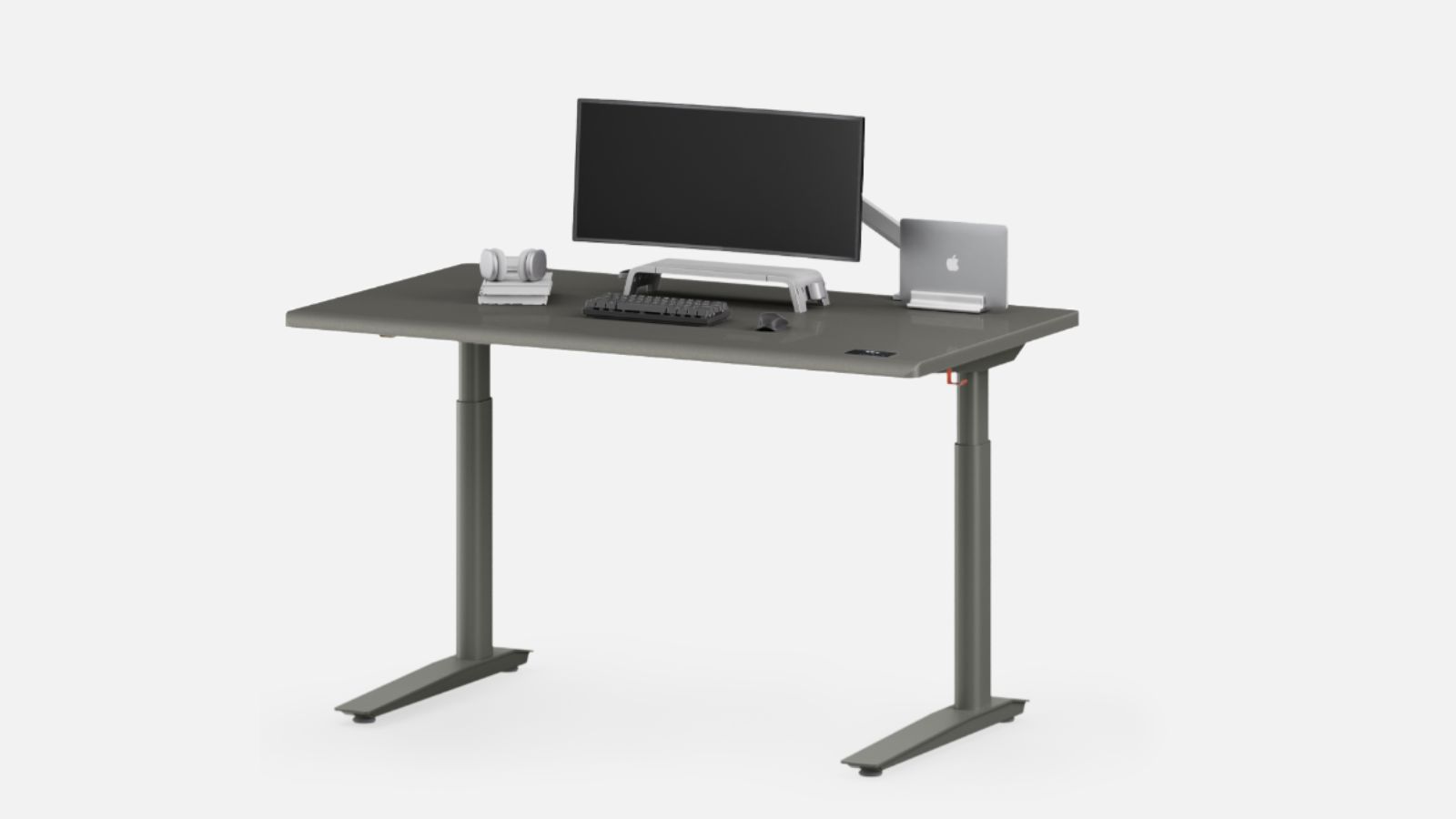
Think of the SmartDesk 5 as a premium minimalist option for the home office or the remote worker. It is not your typical heavy-duty enterprise desk; instead, it is about a clean user experience and integrated features. Its streamlined design is a draw for anyone wanting a visually uncluttered environment.
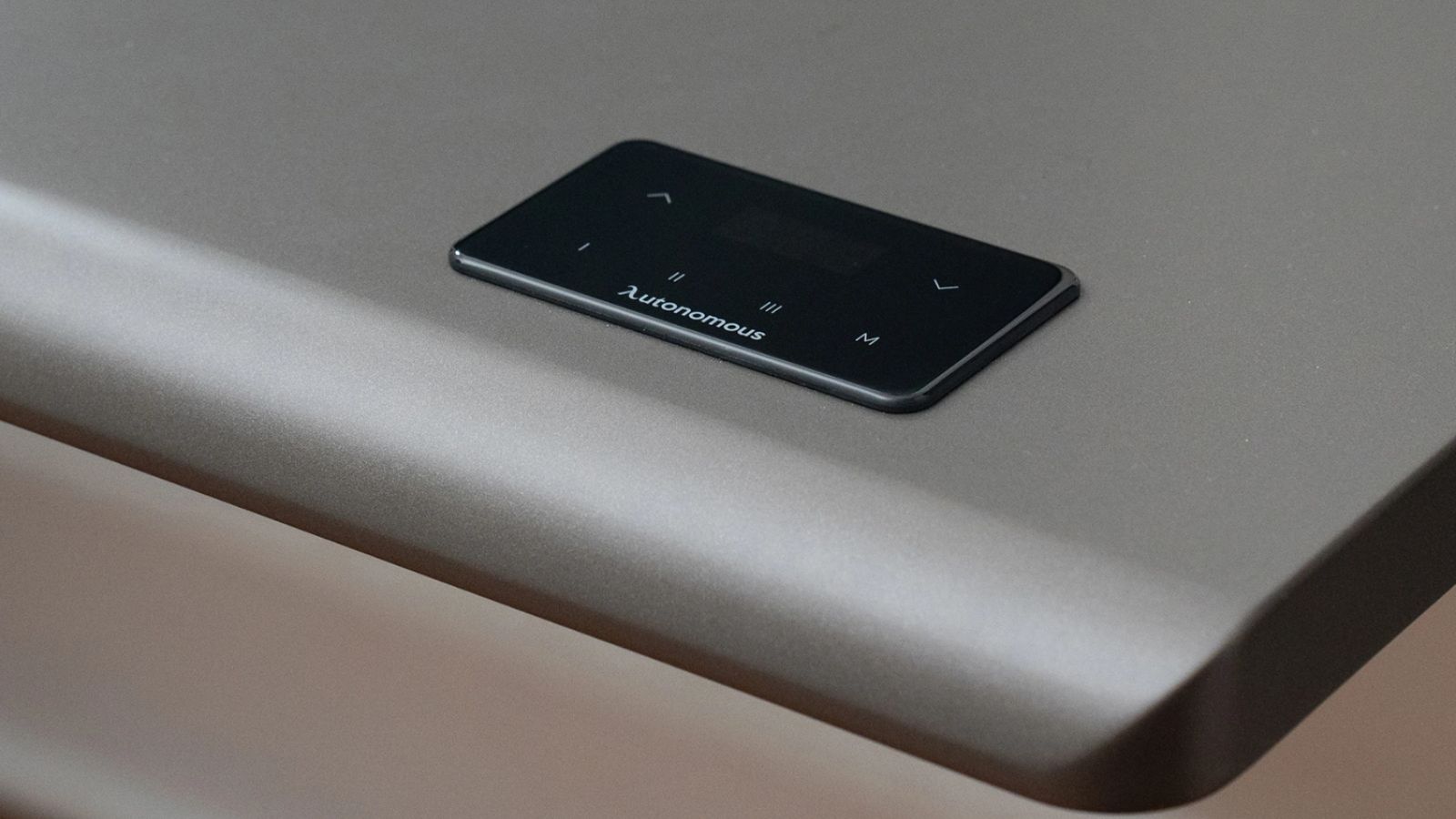
The desk is powered by a dual motor system for quieter, smoother height changes. Most reviews put the capacity at 330 pounds with an adjustment range of 24 to 50 inches. You also get touchscreen controls and an anti-collision feature for convenience. The HDF desktop surface is another plus, lending a more upscale feel than you would get from basic laminate.
Autonomous Standing Desk Review
1. Design and Build Quality
The first thing you notice is the design. It is all very clean and modern with rounded edges and a slim profile that doesn’t intrude on your space. Both TechRadar and IGN have noted how polished it is in comparison to the bulkier models out there. The HDF surface is a step up from the particleboard you find on cheaper desks, giving it a refined air that budget brands can’t match.
2. Stability and Daily Performance
Here is where the consensus gets a bit mixed. For standard tasks and a normal monitor setup, the SmartDesk 5 is fine. But if you go by BTOD testing and what users have said about earlier models, you will find some wobble at the higher end of the range with a heavier load. It is an improvement over what came before, but don’t expect it to stand up to an Uplift or FlexiSpot if you have a lot of equipment on the desk. The transition from sitting to standing is solid enough, though.
Also see: Dual Motor vs Single Motor Standing Desk Comparison Guide
3. Cable Management and Features
Autonomous has done a good job of keeping things tidy. The cable tray is perhaps the desk’s strongest asset, tucking away power cords and charging gear so you don’t have to look at them. The touchscreen is a nice touch too, more so than the button panels on some of the competition. If you like an organized workspace, the SmartDesk 5 is hard to beat in this regard.
4. Noise Levels and Motor Performance
The motors are unobtrusive. As you would expect from a desk in this category, there is no loud whining or jerking when you make an adjustment. It is well behaved under moderate loads and performs admirably in a home studio or office where you don’t want the noise. A high-end commercial desk might have a slight edge in longevity, but for most standard setups, the experience is very good.
5. Assembly
It is not difficult to put together, but you should allow some time for it given the size and weight of the parts. The packaging is in order, and the instructions are clear enough for a typical home assembly. You will find the installation to be a bit of a breeze in comparison to some of the more fussy premium desks on the market, but don’t expect it to be completely foolproof for a novice.
If you are putting the desk together by yourself, plan on putting in some extra time to get the frame components and desktop lined up right. Then again, most buyers will have no trouble with the setup, particularly when you put it side by side with the kind of complexity you see in enterprise standing desk systems.
Pros and Cons of the Autonomous Standing Desk
There is a lot to like about the Autonomous SmartDesk 5 if you are after a standing desk that has a clean line to it, modern controls, and good cable organization. The dual motor runs smoothly, and the whole thing has a minimalist vibe that has won over remote workers and creators looking to put together an attractive home office. For a lighter daily workstation, it is a fine balance of form and function.
Pros
- Sleek and minimal
- Modern features and controls
- Quiet to operate
- The dual motor is very smooth
- Cable organization is solid
Cons
- Doesn’t have the stability of a top-tier desk
- Upgraded models cost you more money
- You can’t rush the assembly
- Not much choice in desktop sizes
- Heavier office gear is not its forte
If your main concern is how the workspace looks and is organized rather than having commercial-grade sturdiness, the SmartDesk 5 is hard to beat for a clean appearance.
Top 5 Alternatives to the Autonomous Standing Desk
Once you move past the looks of things, many start to shop around. The SmartDesk 5 is well suited to a minimalist home office, but there are competitors out there with better long-term durability, more lifting power, and deeper customization. Some are made for the commercial side of things, others for the gamer or multi-monitor user. In the end, it comes down to what you need to support and whether this is for a demanding professional space or the home.
1. Liftdesk Sendi E Standing Desk
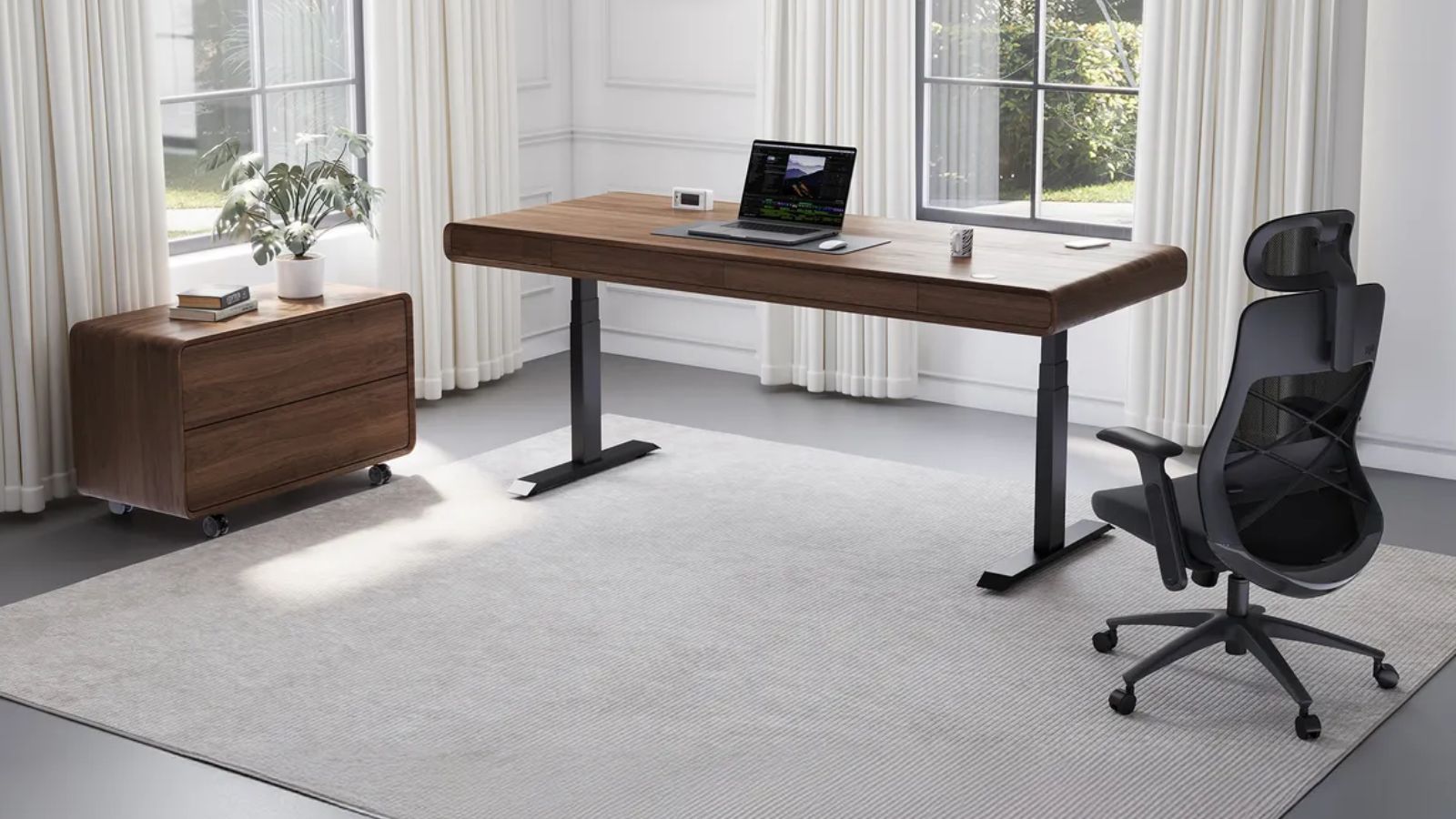
Where the Liftdesk Sendi E is concerned, you are getting more in the way of office functionality than style for style’s sake. It is meant for the professional environment where you need a sit-stand workstation you can rely on day in and day out, with a frame to match. You will see it do well in collaborative settings with all the monitor arms and accessories that put a strain on a desk. It is a practical pick for a business with an eye on future growth.
Pros
- Durability you would expect in a commercial setting
- Very stable
- Good for scaling your office over time
- Looks the part in a modern office
- Plenty of room to customize
Cons
- The price is premium
- Takes some planning to fit into an office layout
- More office-oriented than minimalist
- Custom orders can mean longer waits
2. FlexiSpot E7 Adjustable Standing Desk
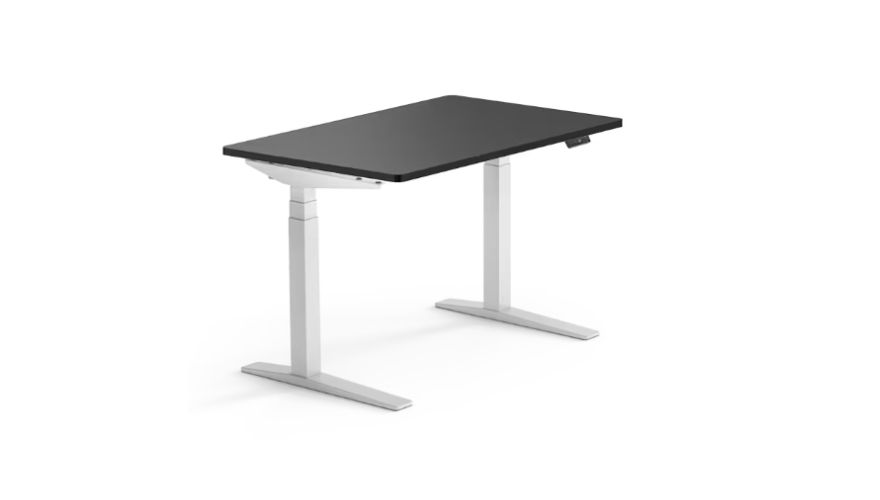
In terms of value, the FlexiSpot E7 is hard to argue with; it strikes a good note between cost, stability, and motor performance. Put a heavy load or a bank of monitors on it, and it will generally outperform an Autonomous desk. The frame is built to take it, and the lifting capacity is one of its selling points for those who put stability first. On top of that, FlexiSpot has an ecosystem of trays, drawers, and arms so you can build on your setup without having to buy a new desk.
Pros
- Will handle multi-monitor setups with ease
- Stable frame
- Motors are quiet
- Pricing is competitive
- Lifts well
Cons
- Assembly is no light task
- You pay extra for the add-ons
- Aesthetics are on the simpler side
- Packaging isn’t always consistent
- Top end drives the price up
3. UPLIFT V3 Standing Desk
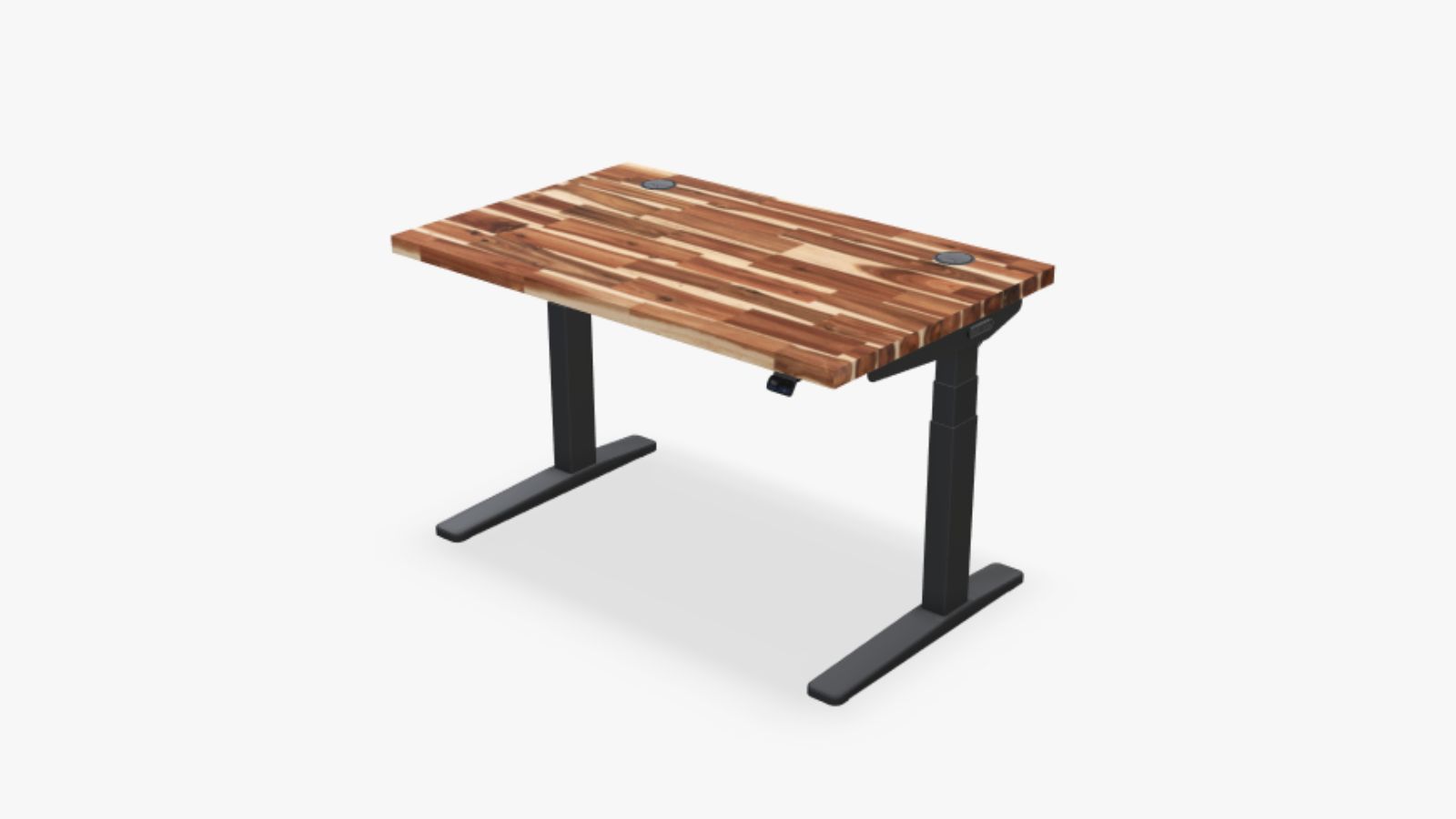
For those wanting the works in terms of customization and performance, the UPLIFT V3 is the name you will come across. It is a heavier build than the typical minimalist desk and is built to last. The real draw here is the sheer number of options in their catalog – from the desktop material to keyboard trays and storage – allowing you to put together a truly personal ergonomic station. And when you get to the higher standing heights or put weight on it, the V3 doesn’t falter like some will.
Pros
- Unmatched stability
- High weight tolerance
- Warranty is top-notch
- Commercial-level support
- Customize it to your heart’s content
Cons
- It is expensive
- Accessories will add to the bill
- Configuration can be complex
- A heavy-duty frame means a longer setup
4. Vari Electric Standing Desk
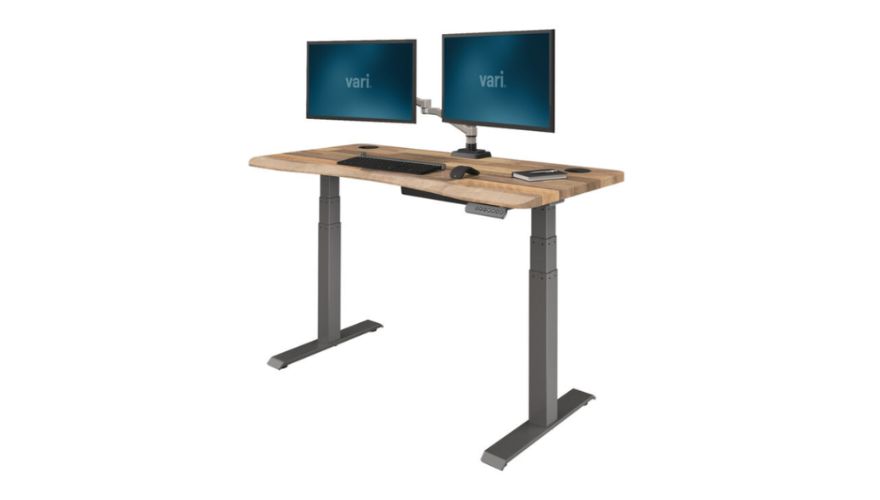
Vari is all about the practical side of business. They don’t make a fuss over deep customization or flashy design; instead, they concentrate on getting the desk set up fast and running reliably. That is what makes them a favorite in corporate offices and shared spaces. Their assembly is among the simplest of the premium brands, and the desk has a no-nonsense look that fits in anywhere. If you are outfitting a team, Vari is as straightforward as it gets.
Pros
- Dependable
- Quick to install
- Good reputation in the office world
- Works well in shared environments
- Appearance is suitably clean
Cons
- You are paying more for it
- Not much to tinker with
- Fewer finishes to choose from
- Not really for the enthusiast
5. Secretlab Magnus Pro
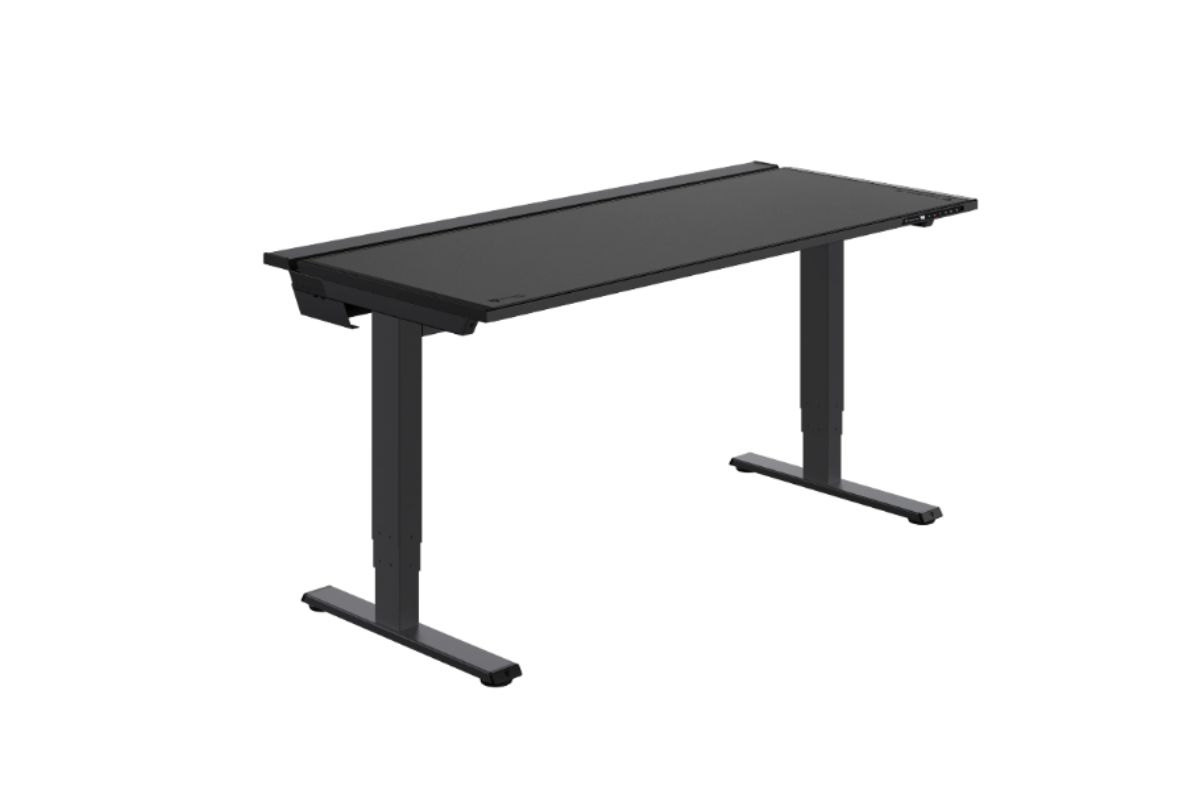
Then you have the Secretlab Magnus Pro, which goes after the creator and gamer demographic. The cable management is integrated in a way that is about as tidy as you will find in this segment. With its stable frame and premium materials, it creates a polished workspace, even with a heavy desktop and multiple screens. It is for the type of user who wants their tech setup to look as good as it works. Though I would say the gaming lean of the styling might be too much for a traditional corporate office.
Pros
- One of the best for cable organization
- Very stable
- Looks great
- A premium feel
- Ideal for the creative type
Cons
- The price tag
- Shorter warranty in some cases
- The metal desktop is heavy
- Not a lot of variety in styles
- The aesthetic is not for every taste
Product Quick Comparison
| Product | Best For | Main Strength | Main Weakness |
| Autonomous SmartDesk 5 | Minimalist home offices | Cable management and aesthetics | Stability under heavy loads |
| Liftdesk Sendi E | Office and startup setups | Commercial durability | Premium pricing |
| FlexiSpot E7 | Value-focused buyers | Stability and lifting power | Extra accessory costs |
| UPLIFT V3 | Premium users | Customization and stability | Expensive |
| Vari Electric Desk | Shared offices | Easy deployment | Limited customization |
| Secretlab Magnus Pro | Creator setups | Cable management | Gaming aesthetic |
Is Autonomous Worth the Price?
You could say the Autonomous SmartDesk 5 occupies a unique niche in the standing desk market. It is not just about raw performance for buyers; they are putting down as much money for the design experience as anything else. With its premium minimalist lines, touchscreen interface and integrated cable management, the desk has a way of fitting right in with today’s modern home offices. The dual motor adjustment is smooth to boot.
For the remote worker or creator with an eye for aesthetics, the price tag makes sense. You get a more polished and tidy setup than you would from some of the cheaper alternatives. And for lighter workstation needs that don’t call for commercial-grade toughness, it is a fine motorized desk.
But start looking at long-term stability and how it handles a heavier load, and other desks begin to show better value. A FlexiSpot E7 or UPLIFT V3 will put up a stronger frame and offer more support if you have a large desktop or multiple monitors to contend with. Ultimately, you are paying Autonomous for the organization, the look, and the ease of use in a home setting, not for maximum commercial output.
Who Should Be Buying One?
The SmartDesk 5 is tailor-made for creators, hybrid employees, and anyone wanting to put together a clean, uncluttered office without resorting to bulky enterprise furniture. It is quiet, looks good, and the cable management is well thought out. If you are the type to alternate between sitting and standing on a regular day, you will find a more refined experience here than with most budget models. It copes well with a laptop, some creative gear, and a standard monitor or two.
Conclusion
Where the SmartDesk 5 really excels is in the areas modern buyers care about: simplicity, style, and order. Its overall polish and dual motor action make it a solid choice for a stylish home office.
That said, the best standing desk isn’t determined by looks alone. When making an ergonomic investment of any consequence, you have to consider lifting power and reliability. If your needs go beyond a minimalist setup, you might do well to check out the likes of Liftdesk Standing Desk Manufacturer for something with more staying power.
FAQs
1. Is the Autonomous SmartDesk 5 worth it?
If you want a home office with integrated cable management and smooth adjustment in a minimalist package, then yes.
2. Do these desks wobble?
You may notice some at the higher end of the standing range or with a heavy setup, but the newer ones are an improvement over what came before.
3. Autonomous or FlexiSpot?
Depends on what you want. Autonomous for cleaner design and aesthetics, FlexiSpot tends to be the more robust option when it comes to stability.
4. What can the SmartDesk 5 hold?
Official specs and our testing put the capacity at 330 lbs.
5. Good for dual monitors?
Standard configurations are no problem. Heavier multi-monitor rigs would be better served by a sturdier frame.
6. Is there a better desk out there?
In terms of commercial durability and long-term stability, you will find that the UPLIFT V3, FlexiSpot E7, and Liftdesk Sendi E are hard to beat.
7. How is it for office use?
Fine for a hybrid or light office environment. For anything more demanding commercially, you would want an enterprise alternative.
8. How long will it last?
Several years under normal conditions and moderate workloads, but that will vary with how hard you put it through.