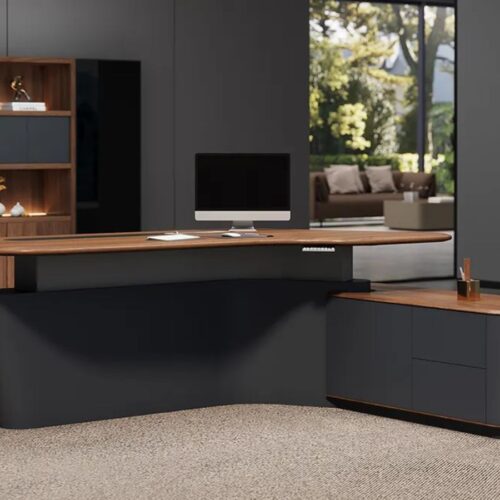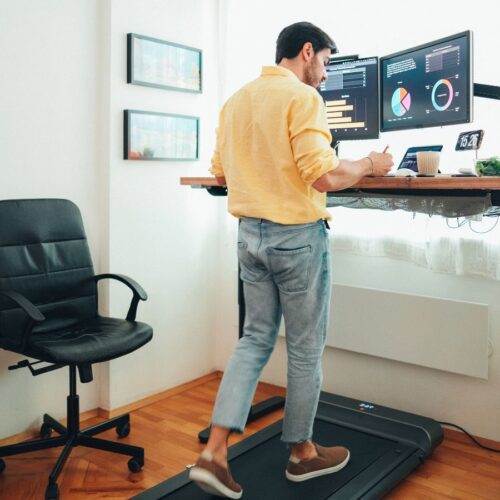
Standing desks are now the everyday reality in modern workplaces, with even more people shifting towards a sit-stand habit throughout the working day. Only if the desk is set to the right height, switching between sitting and standing may help reduce fatigue and support long-term health. The desk style is less important than the height, as it will directly influence how your spine, shoulders, arms, and wrists fit when you work.
Even high-quality equipment can cause poor posture, especially when the desk is too high or too low. Common issues may include a strained neck, rounded shoulders, wrist pain, lower back pain, and an uneven weight distribution when standing. Over time, these problems may reduce concentration, efficiency, and mental comfort, particularly during long working hours.
This guide explains why the height of standing desks is crucial and how simple adjustments can make a big difference. You will understand the correct height for supporting a neutral posture, recognize signs of an incorrect setup, and adjust a desk for both sitting and standing. Towards the conclusion, you will know how to adjust your desk height so that your body can work at its best.
What Is Standing Desk Height?
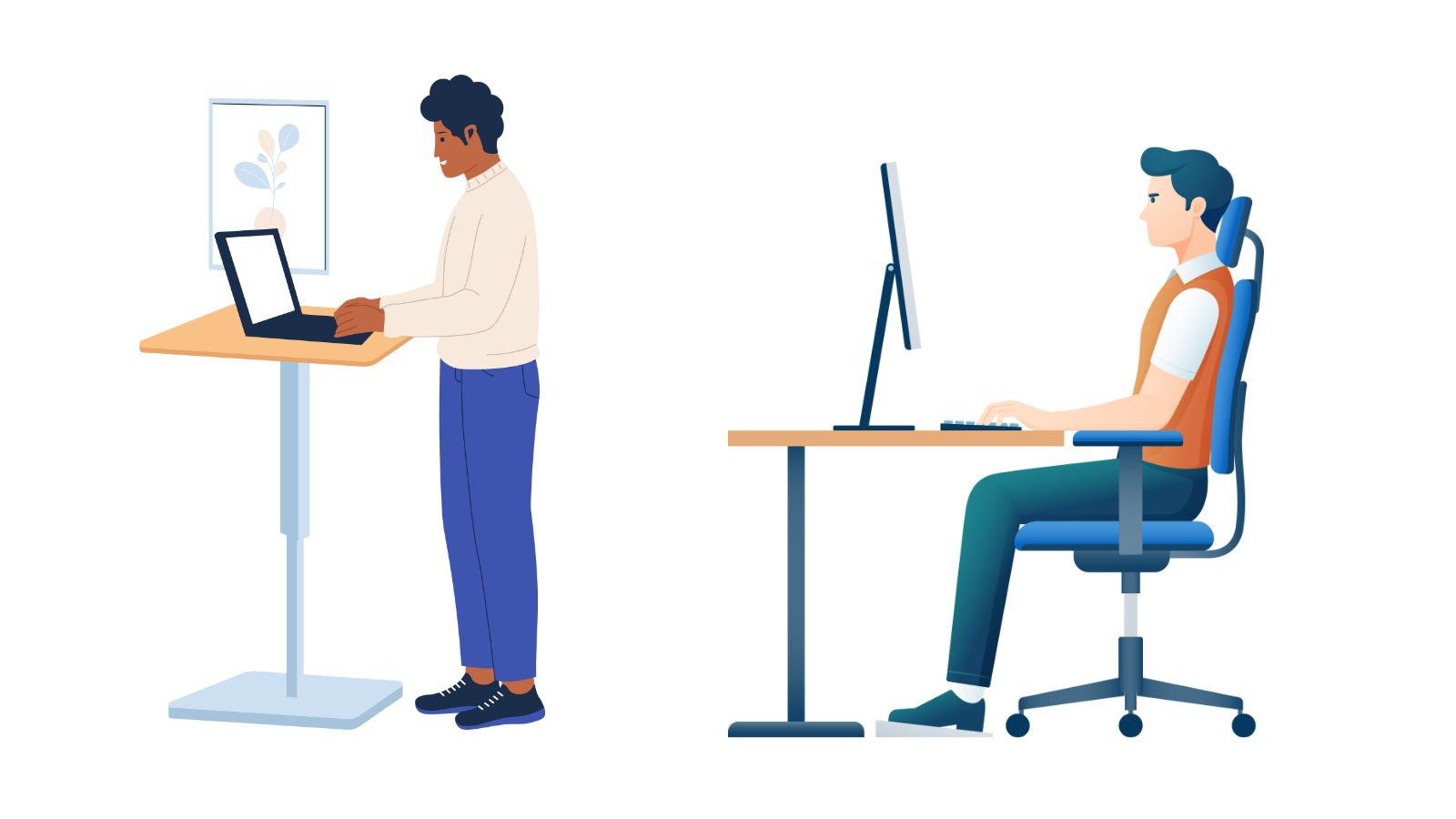
Standing desk height refers to the desk’s height when used in a standing position, as this promotes the natural positions of the arms, shoulders, and spine. Unlike sitting desks, standing desks are designed to adjust in height so your body stays comfortable throughout the day. The correct height helps reduce strain and helps you move better while doing the job.
Standing Desk Height vs Traditional Desk Height
Traditional desks are built to a specific height and are usually intended for seated use. This one-height design does not account for differences in body size and posture, which often forces users to adjust their chairs and wrists/pose rather than the desk itself. As a result, many people end up working in poor positions for long periods.
Standing desks operate differently: the desk height has to match the user, not the other way around. With your arms at your sides while standing, your elbows should be angled at a natural position, which is normally close to a 90-degree angle, with your shoulders relaxed. An adjustable standing desk lets the surface shift up or down to fit your body, keeping you aligned and moving the way you would when typing or using a mouse.
Also See: Standing Desk Brands in Singapore
Why Height of Standing Desk Is Personal
Standing desk height is personal, as no two bodies are exactly alike. Arm length, torso length, and a person’s overall height all affect where the desk should be placed. Two individuals of the same height may still require adjustments because of body proportions.
Other factors also come into play, such as the shoes you wear, the firmness of the flooring, and your natural posture. Even minor differences can alter your arm and spine alignment, and individual adjustments are required for comfort and longevity.
Ergonomic Principles Behind Desk Height
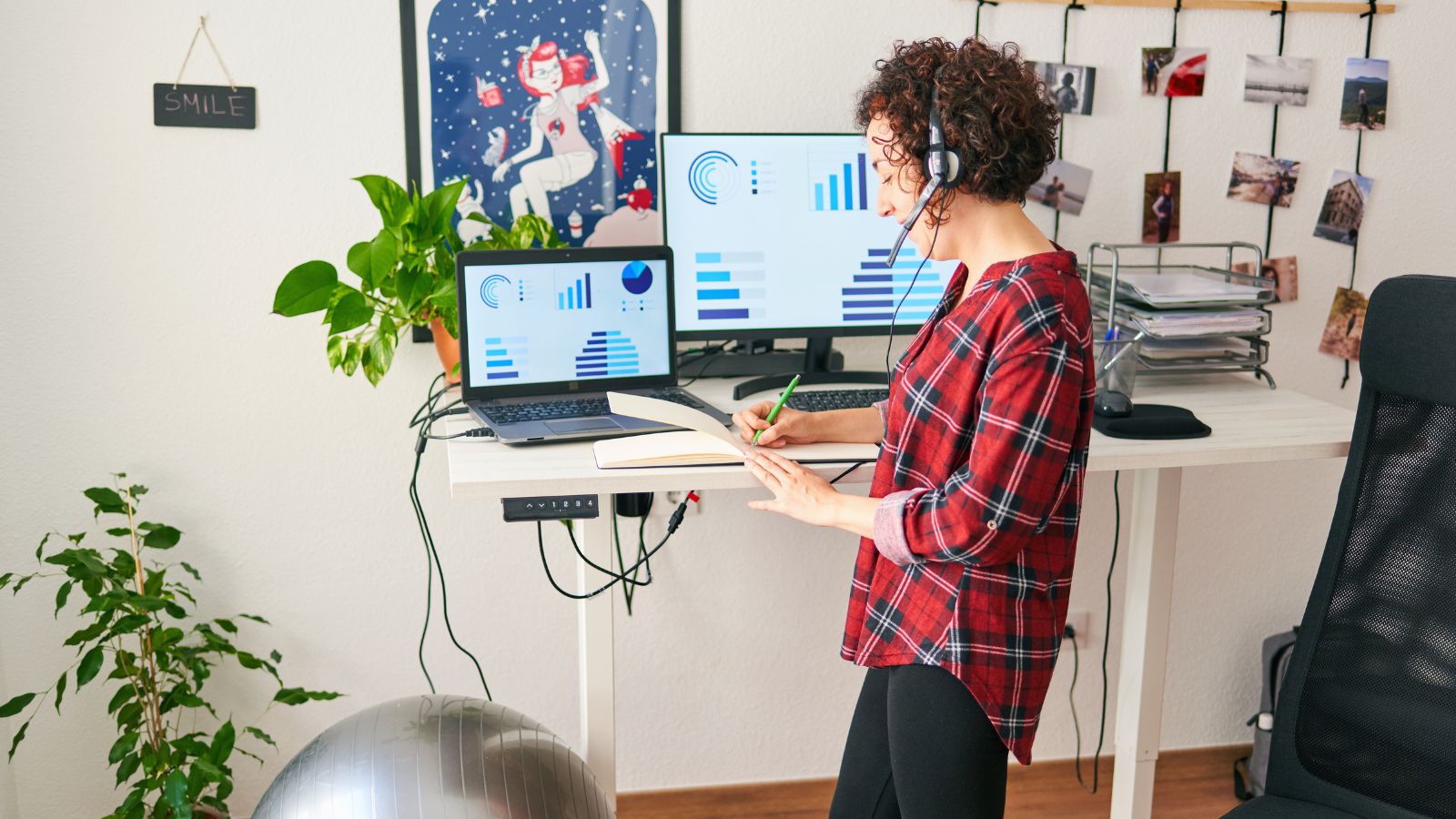
Proper standing desk height is based on certain simple ergonomic principles that promote natural body alignment. When these principles have been followed, work in a standing position is balanced and comfortable (rather than tiring). The idea here is to take unnecessary strain off the back while keeping the body active throughout the day.
1. Elbow-Level Rule Explained
The most universal rule for determining a standing desk height is the elbow level rule. When standing upright, your elbows should make an angle of approximately 90 to 100 degrees when your hands are on the work surface. This position allows your arms to hang naturally without tension.
Your forearms should be parallel to the desk level when typing or using a mouse. If you are too tall for the desk, your shoulders will be raised, which can create tension. If it is too low, you may lean forward, which can put stress on your lower back and neck. The elbow level helps to maintain a neutral upper-body posture while working.
2. Shoulder, Neck, and Wrist Positioning
Proper desk height allows the shoulders to relax, rather than being held up or forward. Even a slight shrug of the shoulders can lead to stiffness and fatigue over time. A well-adjusted desk keeps the neck upright without craning forward towards the screen.
Wrist position is also very important. Wrists should not be bent up or down, but should be straight and neutral. This takes pressure off the joints and allows comfortable typing for longer periods.
3. Lower-Body Posture While Standing
Good standing posture consists of even distribution of weight on both feet. Locking the knees or leaning too much on one side should be prevented. Small changes of position are called micro-movements and help to improve circulation and reduce fatigue. Standing comfortably is about balance, not rigidity.
How To Measure Ideal Standing Desk Height
Measuring your ideal desk standing height ensures your desk supports proper posture and does not force your body to adapt. A proper setup means less strain and allows you to stand at work for longer periods. The process is simple and can be repeated as often as you have a chance to get to your workspace.
1. Simple Elbow Measurement Method
Start by standing straight up on a flat surface with your feet shoulder-width apart. Loosen your shoulders and allow your arms to hang naturally at your sides. Bend your elbows so that your forearms are parallel to the floor.
Measure the distance from the ground to the bottom of your elbow. This measurement is the height of your ideal desk standing height. Adjust your desk so that the work surface is at or slightly below this level. Once you know, put your hands on the desk and check that the elbows are between 90 and 100 degrees from your shoulders with no tension in your shoulders.
2. Adjustments for Footwear and Flooring
Footwear can alter your effective height by several centimeters. Shoes with thick soles or heels actually raise your body, and you will be lower when standing barefoot. Flooring is also important, since soft mats compress underfoot.
Measure your height in the shoes you usually wear the most while at your desk. If you switch feet between sitting and standing, adjust the desk height so that your elbows remain in a consistent position.
Also See: What is Standing Desk Ergonomics?
Differences between Sitting and Standing Heights
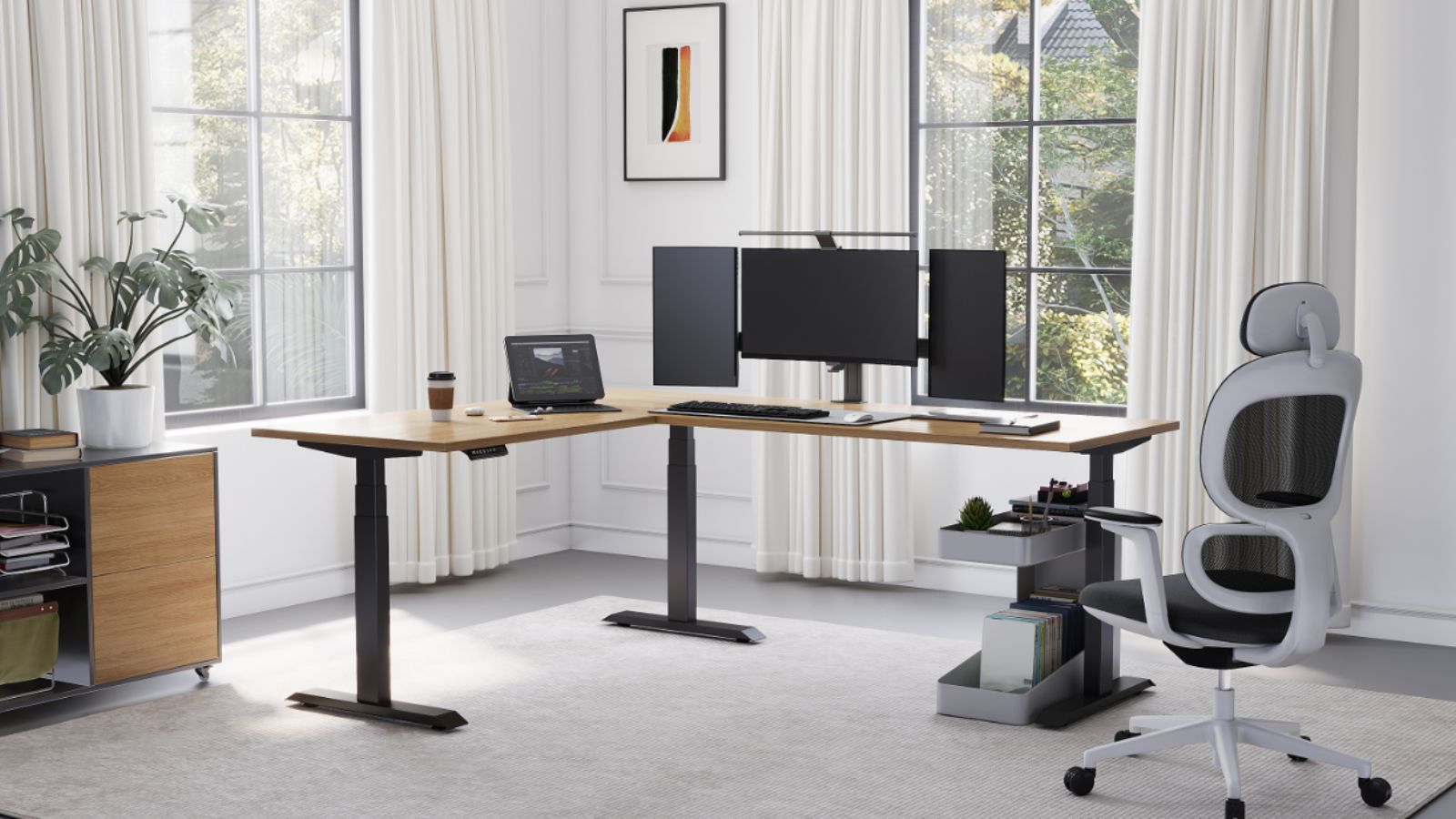
Standing and sitting desks are not interchangeable. Sitting requires a lower surface due to chair height and leg position. Adjustable desks often have memory presets for storing both settings.
Having presets to use saves time and lets you return to the correct heights when switching positions throughout the day.
When to Re-Measure
Re-measure your standing desk height if you change shoes, flooring, desk equipment, or posture habits. Even the smallest adjustments can make a difference to comfort over time, and periodic checks are essential when it is used for a long time.
Standing Desk Height Chart based on User Height
Standing desk height charts are a good reference for getting an initial desk position. For users, they help them to understand the rough possible position of a desk based on the total height. However, these are only guidelines and not exact prescriptions, and should always be modified for comfort.
General Height Guidelines
For users who are under 5’4″, the standing desk height is typically between 36 “and 38” from the floor. This range is typically enough to rest the elbows at a comfortable angle without raising the shoulders.
Users between 5’4″ and 5’8″ tend to find 38 to 41 inches ideal. This group is represented across a great range of body proportions, and therefore, some fine adjustments are particularly important.
For those 5’8″ to 6’0″, common standing desk heights range from 41 to 44 inches. At this height, the desk should provide support for relaxed shoulders and forearms, which should be at the same level as the desk’s surface.
Users greater than 6’0″ may need desk heights above 44 inches. Taller people should ensure the desk can be adjusted high enough to prevent a stooped or bent-forward position.
Why Charts are Only Beginning Points
Height charts are averages and do not account for individual body proportions. Arm length, torso length, and posture can vary significantly among people of the same height. Two users who are both 5’10” may still require different desk settings to maintain proper alignment.
Because of these differences, charts should be used only to locate a starting position, followed by fine-tuning of the elbow angle and comfort.
Multi-User and Shared Desks
Stands in common workspaces need to accommodate multiple users. Adjustable desks offer a wide range of heights and pre-set memory settings, making it easier for each person to return to their preferred setting. Height adaptability is the key to having a comfortable, productive, and properly postured desk for everyone using it.
Complete Ergonomic Setup More Than Desk Height
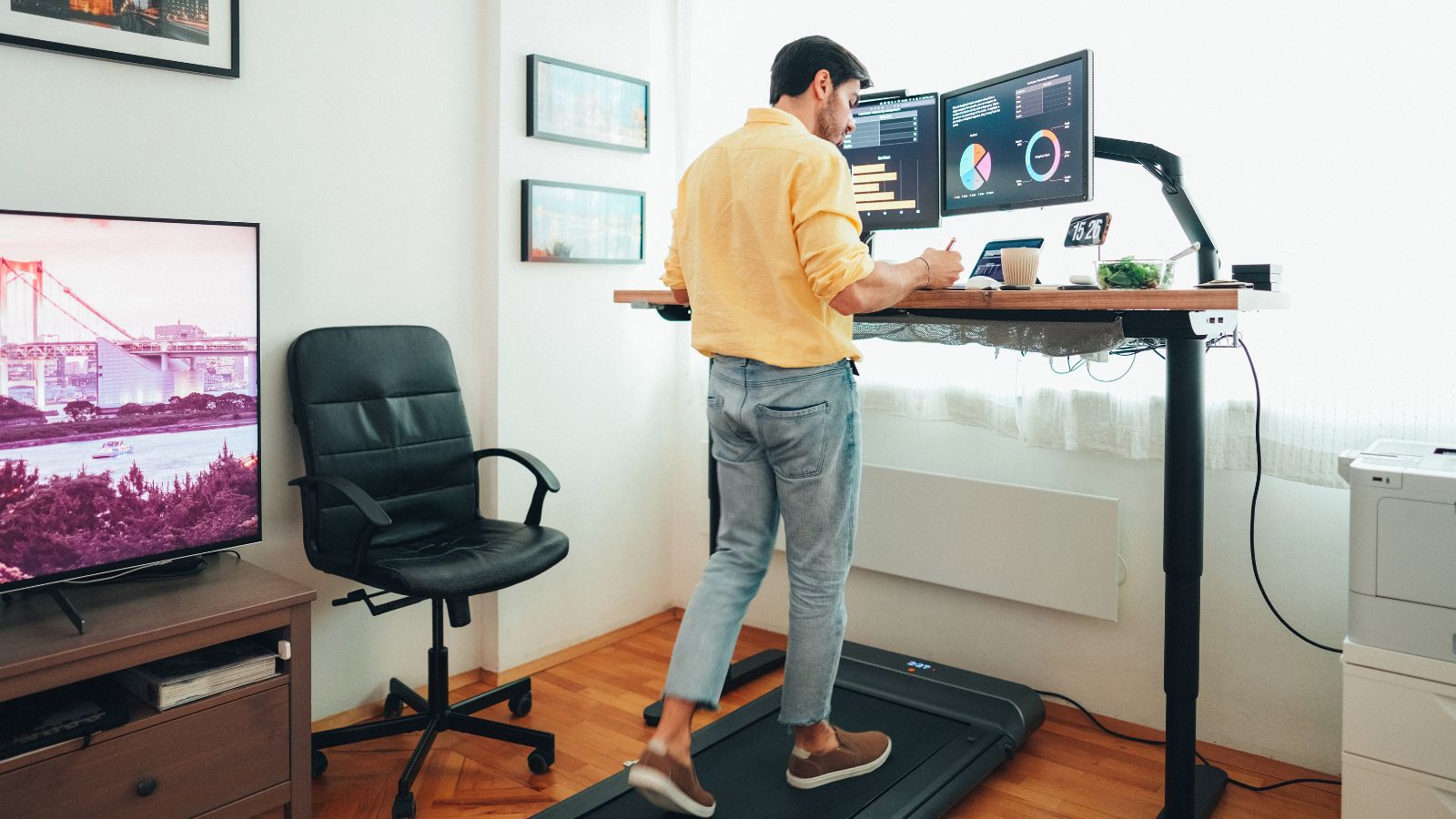
Standing desk height is just one component of an ergonomic workspace. Even when the desk set is in the right place, incorrectly placed other pieces of equipment may cause discomfort. A whole-body setup ensures that your whole workstation supports natural movement and posture.
1. Monitor Height and Distance
The monitor should be so placed that the top of the screen is at or slightly below eye level. This is done to keep the neck in a neutral position without forcing it forward or down. The screen should be about an arm’s length away so you can view it without leaning forward. If you use multiple monitors, then the main monitor should be directly in front of you so that you don’t have to make multiple neck rotations.
2. Keyboard and Mouse Positioning
The keyboard and mouse should be on the same surface and at the same height. This way, both arms can remain level, reducing uneven strain on the shoulders. Keep the keyboard close enough to you so your elbows stay close to your sides. The mouse should be placed in a position that allows your wrist to remain straight when using it, without bending or reaching to operate it.
3. Anti-Fatigue Mats & Flooring
Standing on hard surfaces for long periods can cause fatigue in the legs and feet. Anti-fatigue mats provide cushioning that relieves pressure and promotes natural movement. These small shifts help increase circulation and make standing more comfortable in the long run. If a mat is used, the desk should be lowered a bit to compensate for the compression.
4. Cabling Management for Height Changes
Adjustable desks also move too frequently, which can be a great burden on cables unless handled properly. There should be enough slack in cables to avoid pulling when there is a height change. Cords will be kept in order using cable trays or flexible sleeves and will not obstruct the desk’s movement.
Sendi E Standing Desk A Legs: Overview
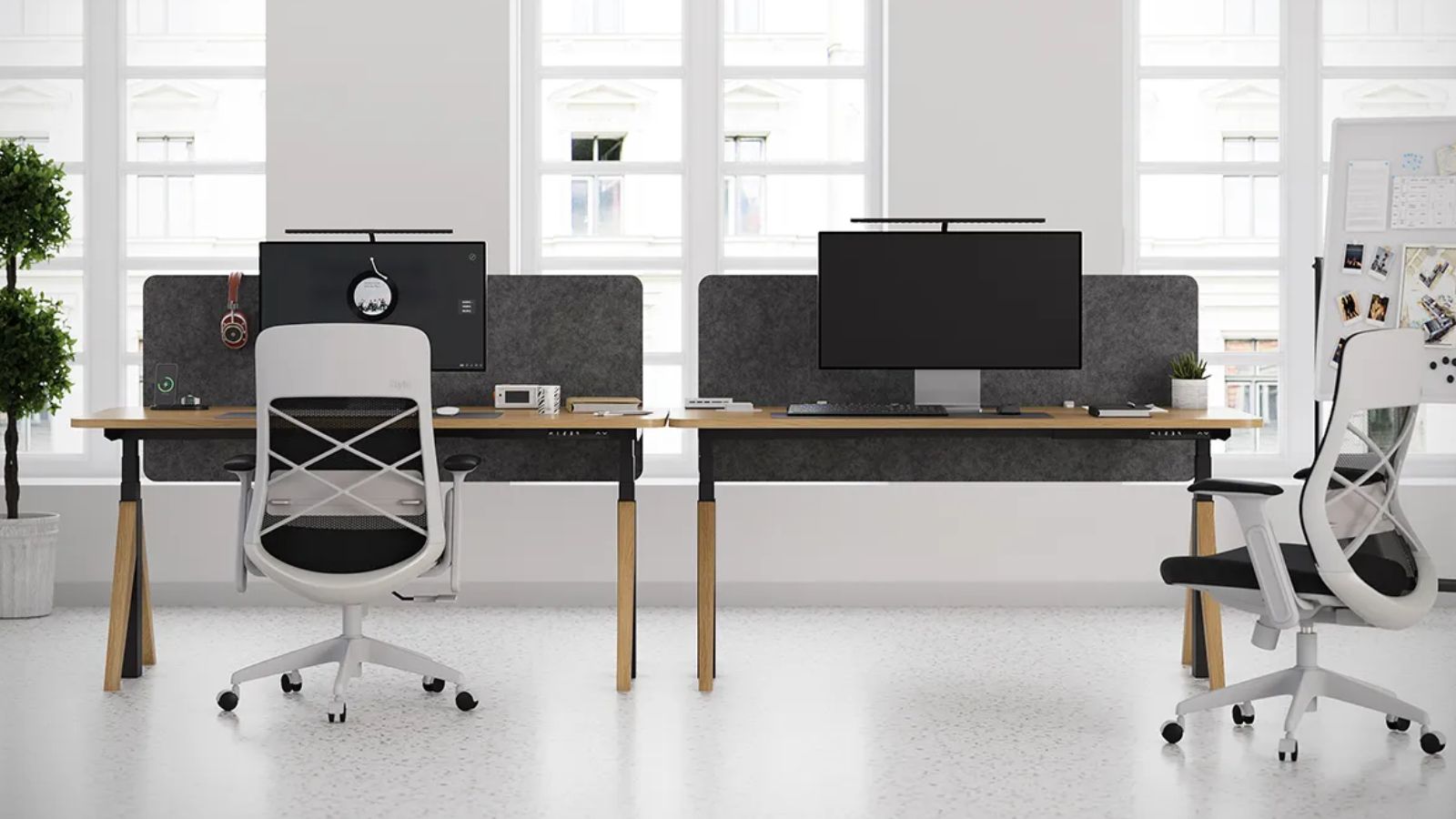
Liftdesk Sendi E Standing Desk A Legs is designed for customers who require a strong, functional standing desk frame without superfluous features. It is designed for stability, ease of height changes, and maximum working life, and is constructed with an A-leg frame and an electric lift mechanism. This makes it applicable in home offices and work areas, as well as to many instances when the user tends to sit and stand.
Electric Height Adjustment and Motor Performance
The electric height-adjustable device is another outstanding feature of the Sendi E, which helps smoothly transition between sitting and standing positions. The elevator is light and noisy, which reduces disturbance at the work location. Such responsiveness will support healthy movement throughout the day, and sit-stand routines will help maintain consistency rather than working in one position.
A-Leg Design and Stability
The A-leg frame is among the features that make this desk very functional. This design distributes the weight uniformly across the base, which helps improve balance and prevent desk wobbling, even when you are taller than before. The increased stability is also convenient, especially for those with dual monitors or for heavier desktops or professional devices that should be placed on a firm table.
Ergonomic Flexibility to Different Users
The Sendi E Standing Desk A Legs offers a wide range of heights, suitable for all body shapes and work styles. The desk can be configured to ensure that the elbows and shoulders are in the proper position, whether used by a single person or in a community space, and to aid in maintaining good posture during longer work hours.
Also See: Best Standing Desk Risers
Why the Sendi E Standing Desk A Legs is a Top Choice
What makes this desk special is that it balances performance, design, and usability. It offers quality lifting, good stability, and ergonomic flexibility, which lacks unnecessary features. The Sendi E Standing Desk A Legs is a good investment in comfort and productivity for users willing to spend on a well-constructed standing desk frame by LiftDesk.
Conclusion
The correct height of a standing desk is among the most influential factors in creating a comfortable, productive work environment. Although standing desks are beneficial in their movement and healthier work habits, these advantages depend solely on proper installation and customization. With ergonomic knowledge, the measurement of optimal heights, and the control of the desk, sitting position, shoes, and tools, it is possible to greatly reduce strain and fatigue over time.
Height charts and presets are good places to begin, though one should always adjust them individually. Together with a complete ergonomic system and a stable, adjustable frame, the right desk height will allow your body to work in its natural form, supporting your concentration, comfort, and long-term health at your workplace.

Liftdesk is a professional standing desk manufacturer, offering expert buying guides, workplace design, and ergonomic tips to help you create a healthier, more productive workspace.