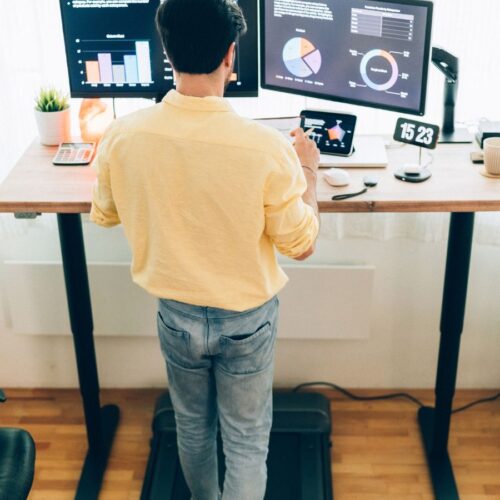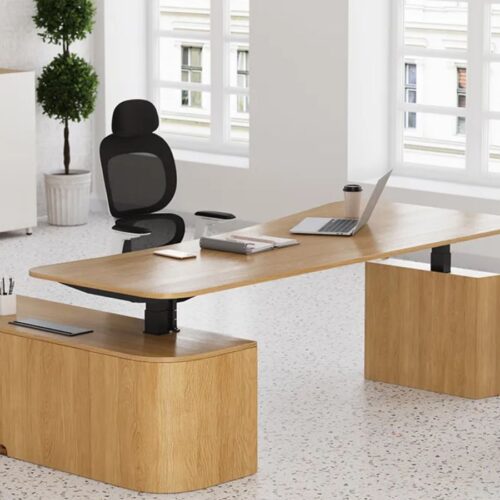
A sit-stand desk is a desk that can move up and down – you can either sit or stand, depending on your preference, while you work. Many people desire a sit-stand desk because they are used to avoiding sitting for long hours. Sitting all day can cause back, neck, and shoulder fatigue. There is more movement, and your body will stay active if you stand for some part of the day.
Using the best sit stand desk can also help make your workspace more comfortable. You can adjust the height so that it fits your body, maintain a straighter posture, and stay more awake while working. Even small things, such as standing for a small change, can help you feel better and stay focused.
Liftdesk is a trusted brand that is known for producing strong, smooth, and easy-to-use desks. Their designs provide for healthy posture, as well as daily comfort and simple height control for all types of users.
Table of Contents
- What Makes a Desk the Best Sit Stand Desk?
- Why Good Ergonomics Is Needed
- How to Choose the Best Sit Stand Desk
- Best Sitting and Standing Posture Guide
- Top Ergonomic Tips for All-Day Comfort
- Best Sit Stand Desks
- Brand Comparison Table – Best Sit Stand Desk
- Common Ergonomic Mistakes to Avoid
- Conclusion
- Frequently Asked Questions (FAQs)
What Makes a Desk the Best Sit Stand Desk?
1. Stability Matters
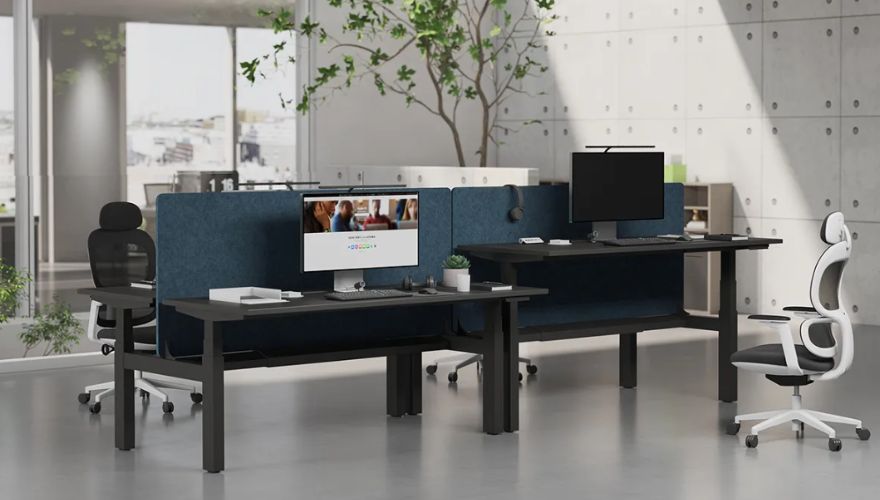
The best sit-stand desk should be steady at every height. A stable desk is not shaken by your typing and movement, which lends to a comfortable and focused working environment.
2. Wide Height Range
The good height range allows you to change the desk according to your body. This allows your neck, arms, and back to remain in a healthy position, regardless of whether you are sitting or standing.
3. Strong Motor Quality
A smooth and quiet motor makes it easy to move the desk up and down. This allows you to change your position without taking a break from work.
4. Solid Build and Easy Controls
The fact that it has a strong frame and simple buttons makes it a safe, easy-to-use desk. Good controls help you to find the perfect height in no time.
5. Better Comfort for All-Day Work
The best sit-stand desk supports better posture, keeps your body active, and allows you to work for longer without feeling sore or tired.
Why Good Ergonomics Is Needed
Good ergonomics helps to lessen the aches and strain by maintaining the natural position of your body. It promotes long working hours by putting less pressure on your back, neck, and shoulders. A study from the CDC revealed that when workers use the proper ergonomic setups, they report feeling 30% less discomfort every day, which can help them stay comfortable longer. Good ergonomics will also increase focus and energy since your body will not be fighting poor posture. Simple examples include holding the screen up at eye level or bending the elbows slightly while typing. These are small habits that make work easier and help keep you active throughout the day.
👉 Dive deeper: What is Standing Desk Ergonomics? Comprehensive Guide.
How to Choose the Best Sit Stand Desk
1. Desk Strength and Stability
The best sit-stand desk is strong and steady. A solid frame prevents the desk from shaking when you are typing or writing.
2. Height Range
A wide range of height is helpful for the desk to fit your body. You should be able to sit and stand comfortably with no bending of your neck or arms.
3. Desktop Size and Shape
Choose a desktop that will fit all your things. Larger or L-shaped desks will provide more room for screens, notebooks, and daily activities.
4. Motor Speed and Noise
A smooth and quiet motor, so it is easy to raise or lower the desk. Quiet movement improves the ability to focus.
5. Cable Management
Good cable tools keep wires neat and out of the way. This makes your work area safe and clean.
6. Budget vs Premium Choices
Budget desks have basic features, and the premium desks have stronger frames and smooth motors. Choose what is appropriate for your needs and the work you do every day.
💡 If you’re looking for a budget standing desk, check this guide: Best Budget Standing Desk Buying Guide.
Best Sitting and Standing Posture Guide
1. Correct Standing Posture
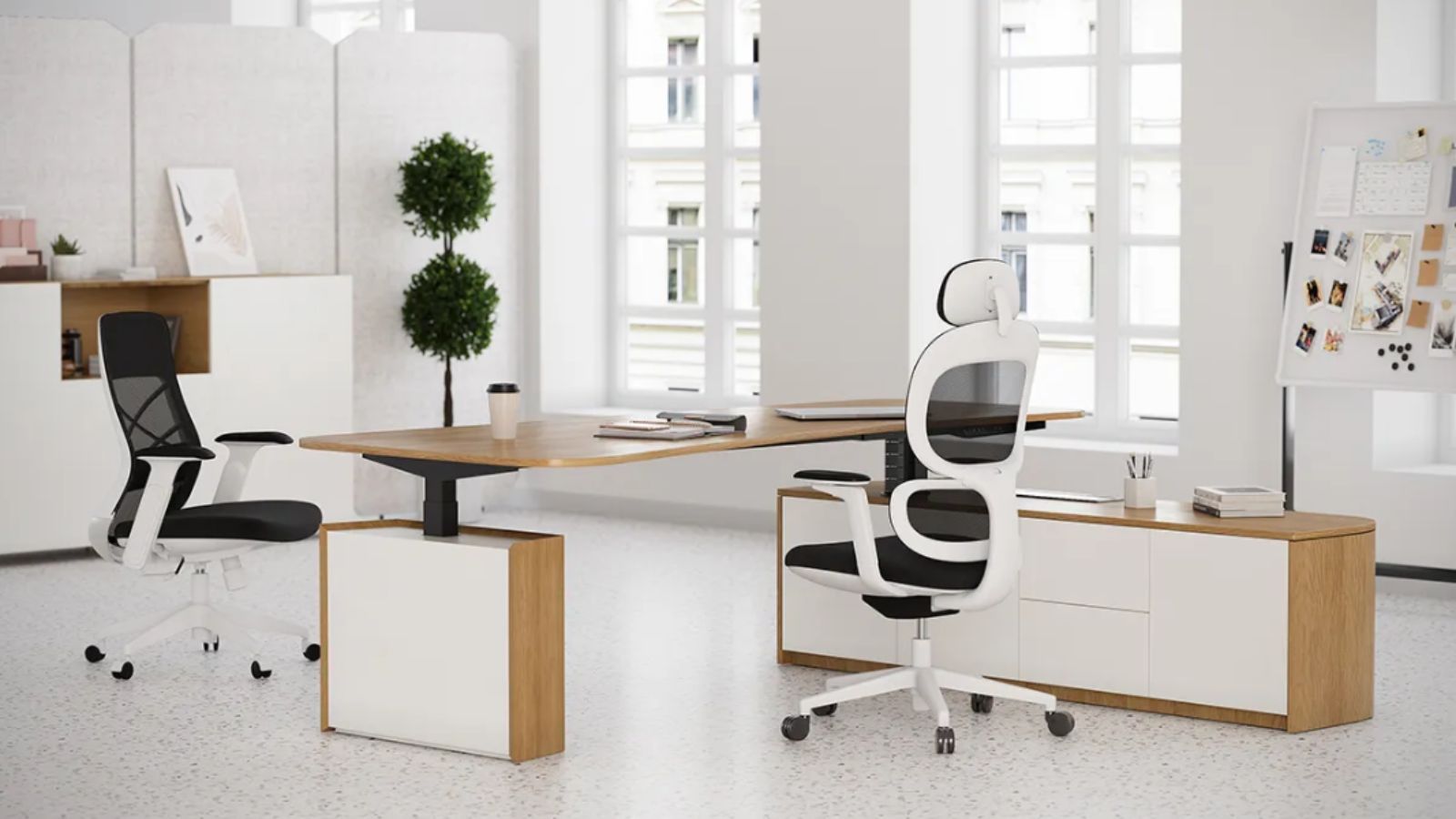
Stand with your head held up and your eyes forward. Keep your shoulders relaxed and your arms close to your sides. Your wrists should be kept straight when typing, and your feet should be on the floor. This helps in avoiding strain during long working hours.
2. Correct Sitting Posture
When you are sitting in a chair, keep your back against the chair. Your feet should be flat to the ground, and your knees should bend at a nice angle. Your screen should be at eye level so that you are not bending your neck. This helps you to relax while you work.
3. Examples of Common Posture Mistakes to Avoid
Do not bend forward, round your back, or raise your shoulders. Do not twist your wrists or sit for too long without breaks. Switching between sitting and standing helps your body to be active, and it ensures less stiffness in your body.
Also See: Benefits of Using a Standing Desk.
Best Executive Standing Desk for 2026.
Top Ergonomic Tips for All-Day Comfort
1. Use a Foot Mat
A soft foot mat is helpful in reducing pressure on your legs and feet. It makes standing more comfortable and helps with balance when working for long hours.
2. Keep Items Close
Keep your keyboard, mouse, water bottle, and notebook close by. This helps to prevent stretching or twisting and helps you to maintain a safe and relaxed posture.
3. Relax Shoulders
Check your shoulders often. They should be resting naturally and not inflating upwards toward your ears. Relaxed shoulders help to prevent neck and upper-back pain.
4. Move Often
Changing positions throughout the day keeps your body active. Change between sitting and standing, or take small steps, or change your weight to avoid stiffness.
5. Stretch Gently
Simple stretches for your neck, arms, and legs help to release a stiff neck. Gentle stretching keeps your muscles loose and comfortable when you are working.
Best Sit Stand Desks
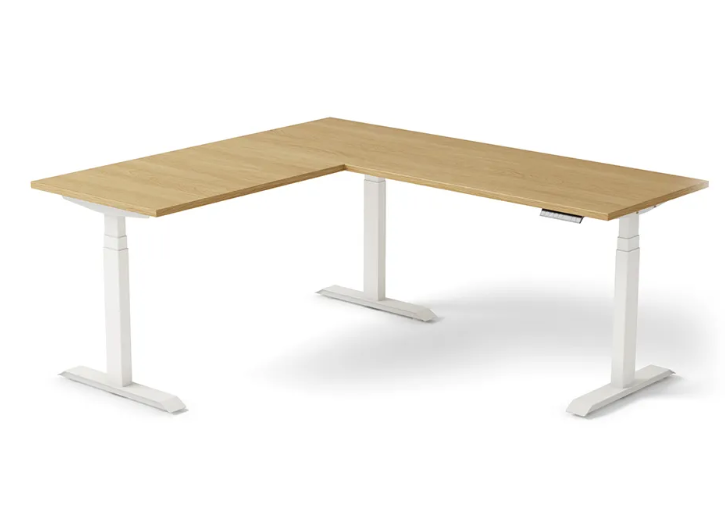
1. Liftdesk L-Shaped Standing Desk
The Liftdesk L-Shaped Standing Desk provides you with a large amount of workspace with easy movement in height. It has a strong frame to support daily use, and both edges of the L shape make it easy to organize screens, notebooks, and tools. This desk is constructed for comfort, stability, and improved posture during the entire work day.
| Pros | Cons |
| Very strong steel frame | Higher price range |
| Large L-shaped surface | Needs more room space |
| Smooth and quiet lifting | Assembly takes time |
| Great ergonomic setup | Limited color choices |
2. Ergotron WorkFit-TX Sit-Stand Converter
The Ergotron WorkFit-TX fits on top of your existing desk and adjusts to the correct height with ease. It is ideal for small spaces and allows you to sit or stand without having to replace your entire desk. Its powerful base helps keep your good posture all day and all night.
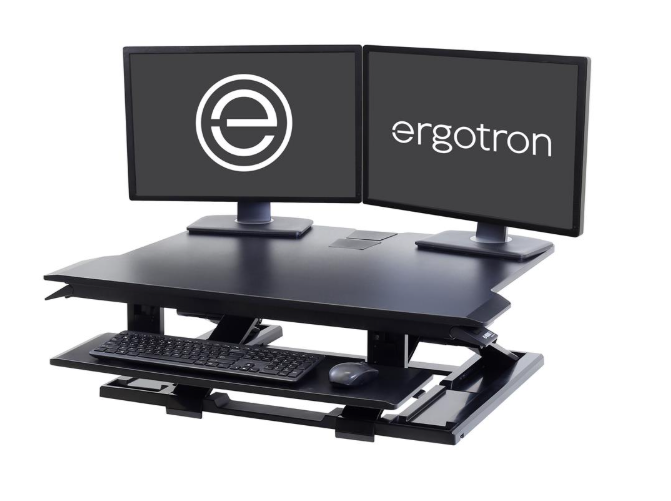
Image Source: Ergotron
| Pros | Cons |
| Fits small work areas | Limited full desk space |
| Strong stable platform | Higher price for size |
| Easy height shifting | Not motor powered |
| Good posture support | Limited weight capacity |
3. Herman Miller Renew Sit-Stand Desk
Herman Miller Renew desk, which is known for its premium build quality and smooth motion. Its tough legs ensure it remains steady no matter what height it is at, and the clean design suits modern offices. This desk is useful for adjusting posture easily without losing productivity.
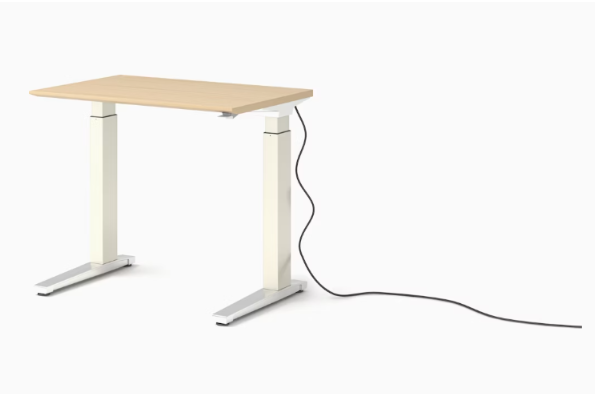
Image Source: Herman Miller
| Pros | Cons |
| Excellent premium build | Very high price |
| Quiet smooth motor | Fewer size options |
| Modern clean appearance | Limited budget access |
| Strong stable legs | Heavy to move |
4. ApexDesk Elite Series Standing Desk
ApexDesk Elite is large, thick, and built for comfort. It has a wide desktop that is perfect for multiple monitors and long work hours. Its easy lifting system allows you to change positions without interrupting work.
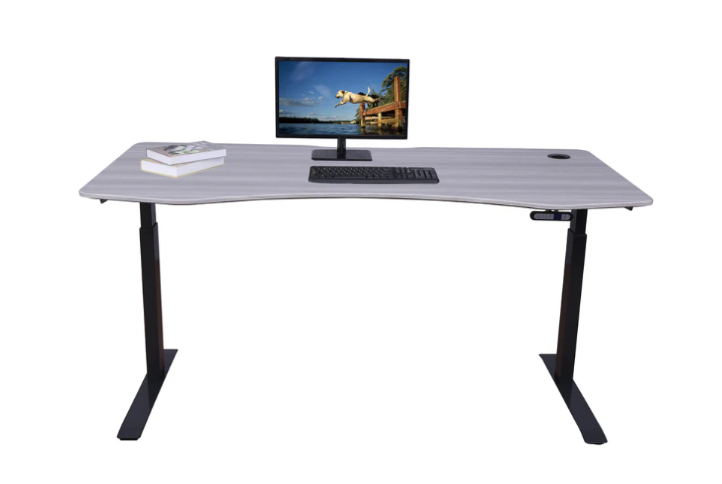
Image Source: ApexDesk
| Pros | Cons |
| Large strong desktop | Takes more floor space |
| Smooth quiet motor | Longer assembly time |
| Good height range | Heavy frame pieces |
| Solid daily support | Limited color choices |
5. Rise UP Electric Desk by StandDesk
This desk is constructed for ease of use for everyday activities on electric smooth height control. It is a great aid for good posture, and it remains stable during a lift. Its design suits well in home offices and shared working spaces.
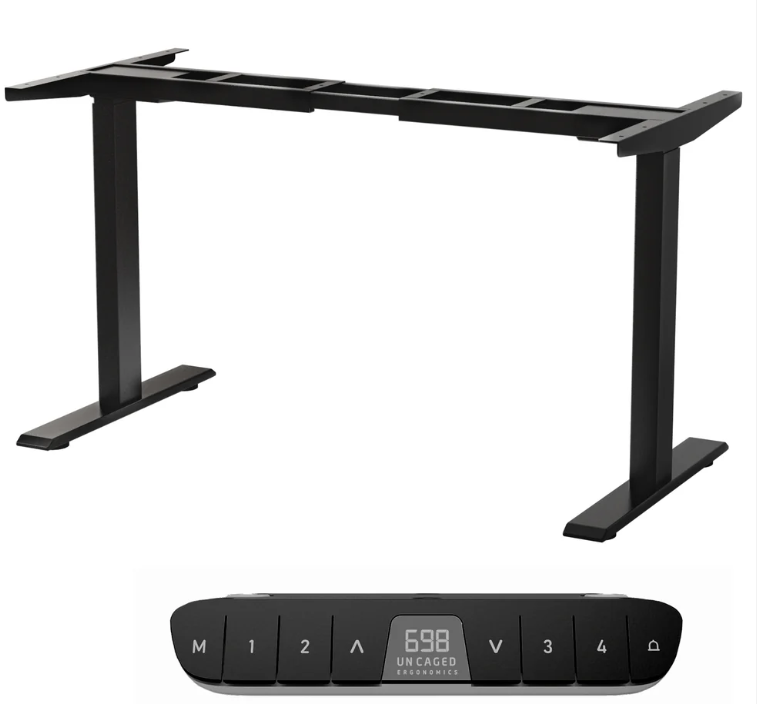
Image Source: UN CAGED
| Pros | Cons |
| Smooth electric height lift | Motor slightly louder |
| Stable steel frame | Limited premium features |
| Easy to operate controls | Slower delivery times |
| Good ergonomic support | Basic design finish |
6. FlexiSpot Pro Plus E7H Standing Desk
The E7H is a more powerful, upgraded model of the FlexiSpot with good stability and a range of heights. This deals with heavy configurations such as dual monitors and large desktops. This desk suits the users who want comfort, strength, and long-lasting build quality.
Image Source: FlexiSpot
| Pros | Cons |
| Very strong weight support | Higher than average cost |
| Great stability levels | Assembly requires time |
| Wide height adjustment | Heavier frame parts |
| Fits heavy monitor setups | Limited color finishes |
7. VIVO Electric Height Adjustable Desk
The VIVO desk is cost-effective and easy to use. It provides ample room for simple work arrangements, as well as a smooth electric lift. It is an excellent starter option for small offices or study spaces.
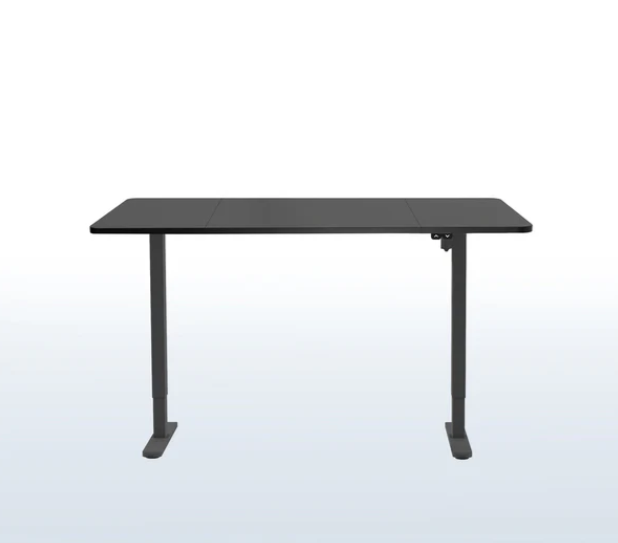
Image Source: VIVO
| Pros | Cons |
| Good budget pricing | Basic stability level |
| Simple clean design | Smaller desktop size |
| Easy control buttons | Shorter warranty terms |
| Smooth height movement | Lower weight limit |
8. Fully Remi Standing Desk
Fully Remi features a very smooth and quiet motor as well as a simple design that fits into most rooms. It’s good for ordinary posture requirements and is good for light to medium loads. It is a non-expensive substitute for higher-end models.
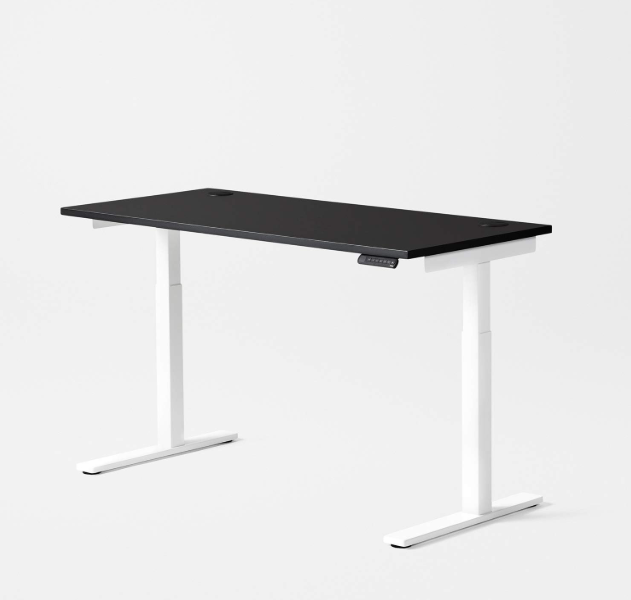
Image Source: Amazon
| Pros | Cons |
| Smooth lifting motor | Less stable at tall heights |
| Good everyday comfort | Limited desktop options |
| Simple modern style | Not for heavy setups |
| Easy assembly steps | Basic cable features |
9. Husky Adjustable Height Work Desk
The Husky Adjustable Desk is strong and constructed for tough environments. It works well in garages, craft rooms, or studios. Its manual height system maintains its steadiness and allows its users to change its height easily without electricity.
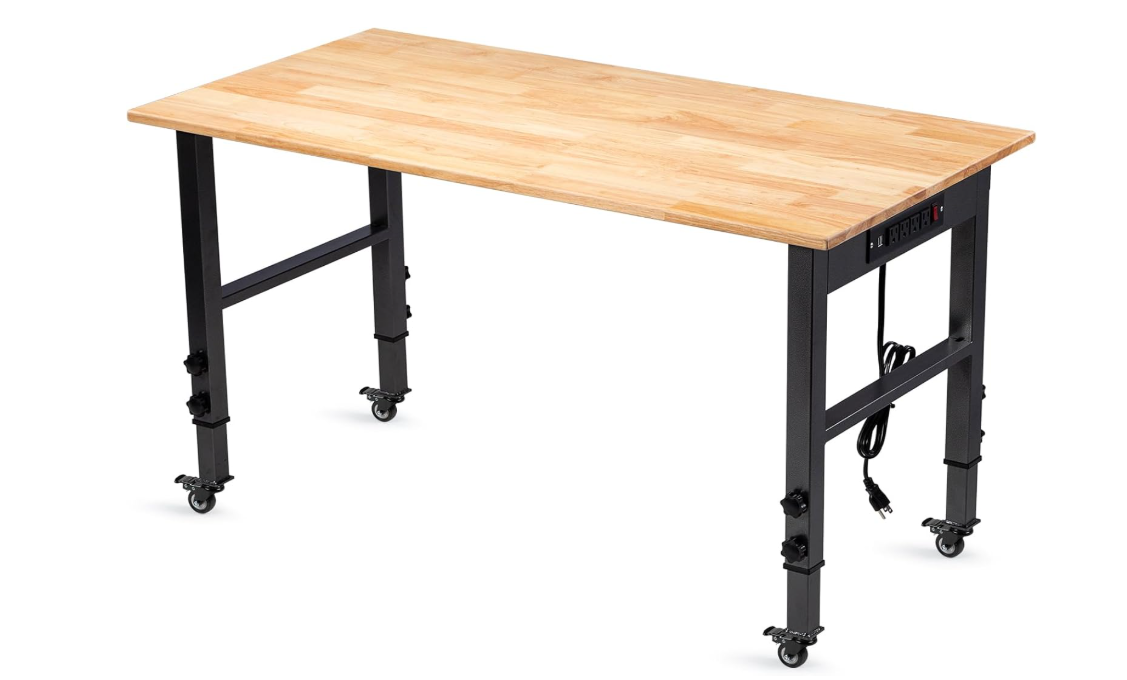
Image Source: Amazon
| Pros | Cons |
| Heavy-duty strong frame | Manual height control |
| Great for workshop tasks | Not ideal for offices |
| Large hard workspace | No motor assistance |
| Very stable surface | Limited ergonomic features |
10. Seville Classics Airlift Standing Desk
The Seville Classics Airlift desk features a smooth motor with a clean, modern look. It is suitable for home offices and small setups. You can switch between sitting and standing without any shaking as it moves in a steady motion.
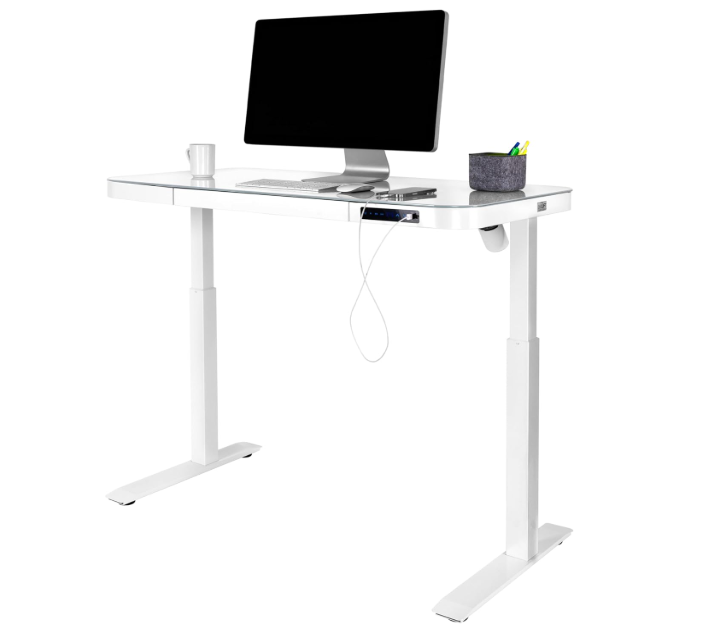
Image Source: Amazon
| Pros | Cons |
| Smooth quiet motor lift | Smaller desktop choices |
| Stable steel legs | Mid-range pricing |
| Easy assembly guide | Basic color options |
| Good posture support | Not for heavy loads |
Brand Comparison Table – Best Sit Stand Desk
| Desk Model | Stability | Height Range | Workspace Size | Ease of Use | Best For |
| Liftdesk L-Shaped Standing Desk | Excellent stable frame | Wide for many users | Very large L-shaped top | Smooth quiet controls | Big workspaces & multi-tasking |
| Ergotron WorkFit-TX Converter | Very steady base | Limited height steps | Small converter area | Easy manual adjustment | Small spaces & converters |
| Herman Miller Renew Sit-Stand Desk | Premium stability | Wide smooth range | Medium desktop | Quiet premium motor | High-end ergonomic setups |
| ApexDesk Elite Series | Strong heavy build | Wide adjustment range | Large desktop space | Smooth electric lift | Dual-monitor setups |
| Rise UP Electric by StandDesk | Steady steel setup | Good height range | Mid-sized desktop | Straightforward lift | Home office comfort |
| FlexiSpot Pro Plus E7H Standing Desk | Very stable under load | Very wide range | Large surface | Strong smooth motor | Heavy workstation builds |
| VIVO Electric Height Adjustable Desk | Moderate steady frame | Good range for basics | Small-medium top | Simple digital control | Budget everyday use |
| Fully Remi Standing Desk | Good steady support | Moderate height range | Small-medium size | Quiet smooth motor | Light to medium tasks |
| Husky Adjustable Height Work Desk | Very strong build | Manual step adjustments | Very large top | Manual crank ease | Workshop / crafts use |
| Seville Classics Airlift Standing Desk | Stable under normal load | Good electric height | Small-mid desktop | Quiet motor lift | Small office spaces |
Common Ergonomic Mistakes to Avoid
1. Desk Too High
A desk that is too high causes your shoulders to be raised and your arms to work harder, causing strain over time.
2. Screen Too Low
A slouching screen forces your neck forward and causes you to violate good posture, and this causes soreness and drowsiness of the eyes.
3. Locking Knees
Standing with your knees locked in place causes your legs to be stiff and inhibits the flow of blood. A soft bend keeps you relaxed.
4. Standing Too Long
Standing all day long can wear out your back and legs. Standing for short periods of time is healthier.
5. Not Moving Often
Staying still for too long leads to stiffness. Changing body positions keeps your body active and comfortable.
Conclusion
Sit-stand desks ensure that you can move around during the day and avoid sitting for long periods of time. Good ergonomics helps your body by supporting natural body posture and easy movement. Liftdesk does have strong, simple desks that make sitting and standing comfortable for users. With the right desk and a few daily habits, you can work better and be healthier. Making better connectivity choices now ensures long-term comfort.
Frequently Asked Questions (FAQs)
A sit-stand desk encourages you to sit less and move more, and works in a healthier way that promotes standing on your feet each day.
Your desk should be about the height of your elbows so that your arms do not have to be tensed, and your shoulders and wrists are not held in an unnatural position.
Stand during short periods of time, around 25-30 minutes, and then sit again to keep your body comfortable and active.
Switch out when you are stiff. Changing as frequently as possible helps to stop strain from building up and to keep your posture balanced throughout the day.
A chair with back support, soft padding, and adjustable height to help you maintain a safe sitting posture.
Check this standing desk chair guide for more expert tips: Top 10 Best Standing Desk Chairs.
Yes, it is good to bring down the long sitting time and support to have better standing to reduce the pressure on your back and have less discomfort in your daily life.
Liftdesk is a professional standing desk manufacturer, offering expert buying guides, workplace design, and ergonomic tips to help you create a healthier, more productive workspace.