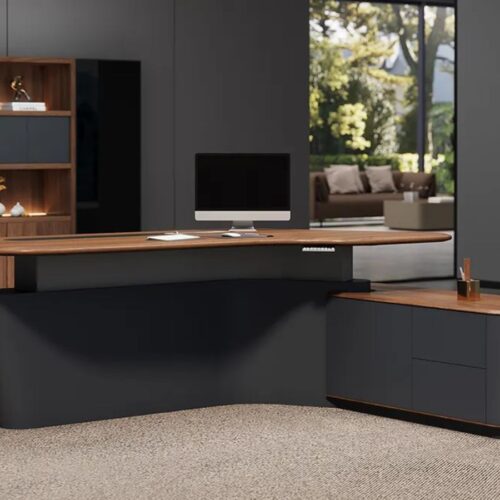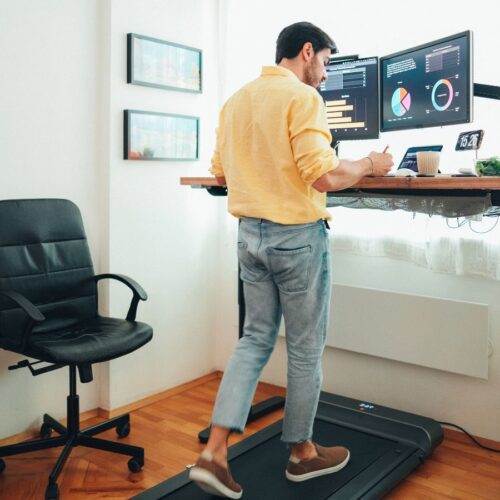
A well-designed workspace can make the daily tasks easy and comfortable. Many people now work at a desk for at least several hours a day, either for office work, for studying, or for creative work. Because of this, more attention is being given to the design of desks and ergonomics. Research indicates that currently 80% of office workers experience back pain at some point, which has grown interest in adjustable desks.
Corner standing desks have become a practical choice in many workspaces. Their design fits in the corners of a room and is good for making use of space that might otherwise be wasted. The wider surface also makes it easier to place multiple monitors, a laptop, and other work tools without crowding the desk.
Another benefit is flexibility in terms of being able to switch between sitting and standing throughout the day. This movement can help ease stiffness in long work sessions.
In this guide, you will learn the benefits of corner standing desks, how to choose the right desk, as well as the best corner standing desks in the market today, along with a comparison table and some helpful FAQs.
What Is a Corner Standing Desk?
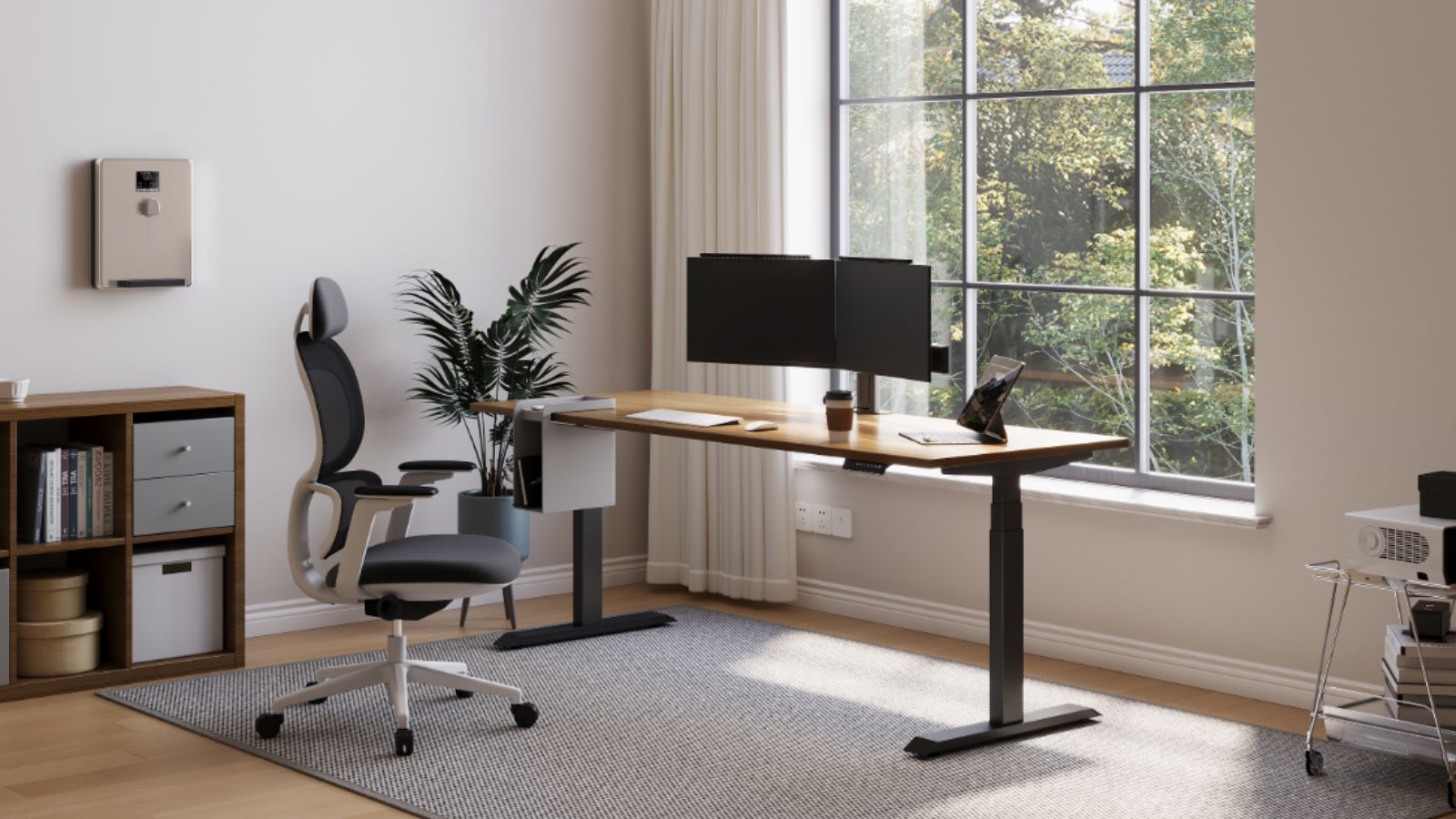
A corner standing desk, for example, is a height-adjustable workstation that is intended to fit into a corner of a room, or beside two walls. The shape of the desktop is typically in the form of an L-desk or triangular corner shape, giving a desk a tight fit placed against two walls. This layout allows for more usable working space without needing a large amount of floor space.
Most corner standing desks will use electric lifting with 1, 2, or 3 motors. These motors increase or lower the desk to allow users to work either in a seated or standing position. Typical height ranges are between 25 and 50 inches, which accommodates varying user heights.
Corner standing desk used in home offices, gaming, and professional workstations. The larger desktop is often able to support multiple monitors, keyboards, and other equipment.
Compared to a regular straight desk, the advantage of a corner standing desk is that it has two working surfaces. This helps to have better placement of the monitors and better workspaces that are more defined. The corner layout also helps in keeping equipment organized while also making efficient use of the room space.
Also Check: Jarvis Standing Desk Review
Benefits of a Corner Standing Desk
1. Better Cable Routing
Corner standing desks make cable management easier because most equipment is put along two walls. Power outlets, routers, and cable ports are generally found in corners in many rooms. This enables shorter cable lengths and eliminates loose wires across the floor. As a result, the work area solution can be maintained cleaner and easier to service.
2. Improved Equipment Balance
A corner desk is good in helping to spread the weight of the equipment more evenly. Instead of having every device on one flat surface, there may be two sides for monitors, computers, and accessories. This balance area is there to take the pressure off one part of the desk frame and allow the desk to become more stable, especially for electric standing desks.
3. Increased Efficiency Peripheral Placement
Corner desks are easier to keep accessories such as printers, speakers, docking stations, and document trays handy, within arm’s reach. The prolonged side surfaces form natural zones of separate equipment. This arrangement requires less frequent movement of items around the desk.
4. Reduced Desk Depth Issues
Standard desks tend to need deep surfaces for large monitors to fit comfortably. A corner desk eliminates this issue by providing a convenient placement of the angled monitors. This provides a better viewing distance without a deeper desktop.
5. Flexible Workspace Expansion
Corner desks give users more space for expansion. Additional shelves, monitor arms or side tables could be added to the walls without blocking the main working area.
Also see: What is Standing Desk Ergonomics? Comprehensive Guide
Choose Best Corner Standing Desk
1. Desk Dimensions
Measure the space you have on the corner of a room before you pick out a desk. Corner standing desks usually range between 120-180cm per side (about 47-71 inches). This size offers a sufficient surface area for monitors, keyboards, and other working equipment.
2. Height Adjustment Range
Check the range of height adjustment for the desk. Most standing desks that are electric go anywhere between about 25 and 50 in. This range accommodates both the sitting and standing positions for users of different heights.
3. Weight Capacity
Look at the maximum weight limit of the desk. Many corner standing desks support 80-160 kg (177-355 lbs), depending on the design of the frame and strength of the motor. Higher capacity is helpful for multi-monitor graphs and heavy equipment.
4. Motor System
Electric desks typically feature single, dual, or triple motors. Dual-motor systems are very common with larger desks as they lift equally and handle heavier loads.
5. Frame Stability
Take a look at the frame material and leg structure. Steel frames and wider leg bases help to eliminate wobble when the desk is raised to standing height.
Best Corner Standing Desks
1. Liftdesk Sendi E Standing Desk
Liftdesk Sendi E Standing Desk is an electric height-adjusting workstation for modern offices. For both sitting and standing work, it offers smooth height adjustment. The desk has a professional, stable design, which makes it an appropriate choice for home offices and daily productivity setups.
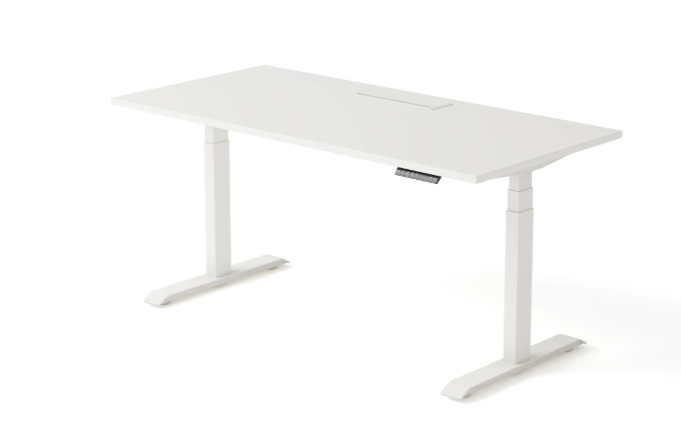
| Pros | Cons |
| Electric height adjustment | Desktop sold separately |
| Stable steel frame | Limited retail availability |
| Professional office design | Assembly required |
| Suitable for home offices | Fewer customization options |
2. Liftdesk Sendi Standing Desk Frame B
It’s the height-adjustable desk frame for customized workstations. Users can install the size of their own desktops on desks, so they can create a corner or straight desk layout. The strong steel frame offers durability and sound lifting performance for daily work setups.
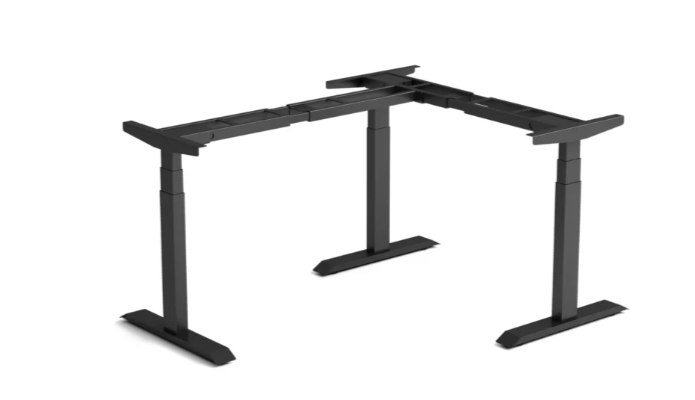
| Pros | Cons |
| Adjustable desk frame | Desktop not included |
| Customizable desktop size | Requires DIY setup |
| Strong steel structure | Limited color options |
| Good lifting stability | Assembly required |
Also see: Best Standing Desk Frame (2026 Buyer’s Guide)
3. Sway Standing Desk
It’s an excellent choice for its high-quality material and control options. It has electric lifting with touch-screen height adjustment. The desk is designed for modern workspaces where the quality of design and smooth operation matter.
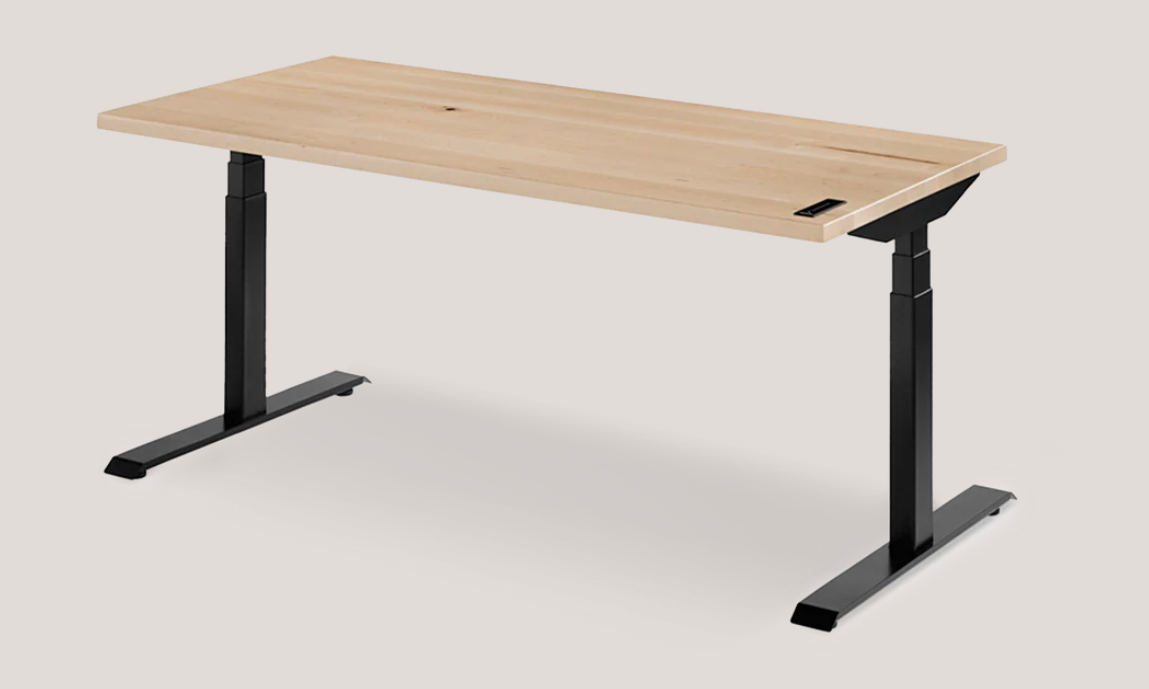
Image Source: https://ergonofis.com/
| Pros | Cons |
| Premium materials | High price |
| Touchscreen controls | Heavy desk |
| Smooth electric lift | Limited availability |
| Modern design | Large footprint |
4. Brödan Electric Standing L Desk
It’s designed to accommodate wide working setups. Its huge corner layout allows for multiple monitors and office equipment. The desk has powerful motors to deliver smooth sitting and standing at the height of the work.
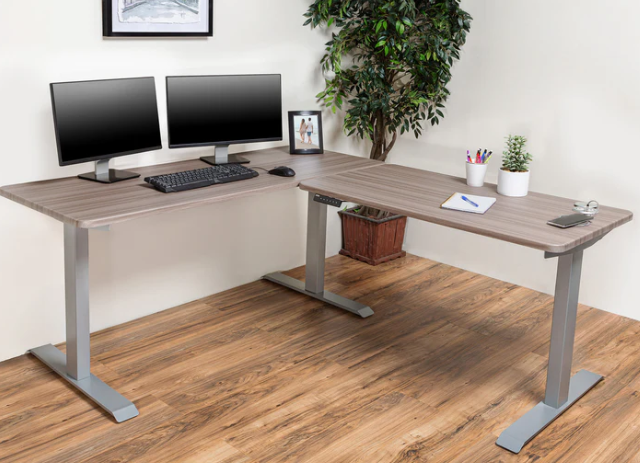
Image Source: https://brodanusa.com/
| Pros | Cons |
| Large corner workspace | Requires large room |
| Powerful lift motors | Higher price |
| Good for multi-monitor setups | Heavy frame |
| Stable L-shape design | Assembly needed |
5. FlexiSpot E9 Standing Desk
The FlexiSpot E9 Standing Desk features a high-grade steel frame and lifting system. It is made for stable ergonomic work stations with electric height adjustment. From supporting your professional office setup to your large computer workstation, the desk has it all.
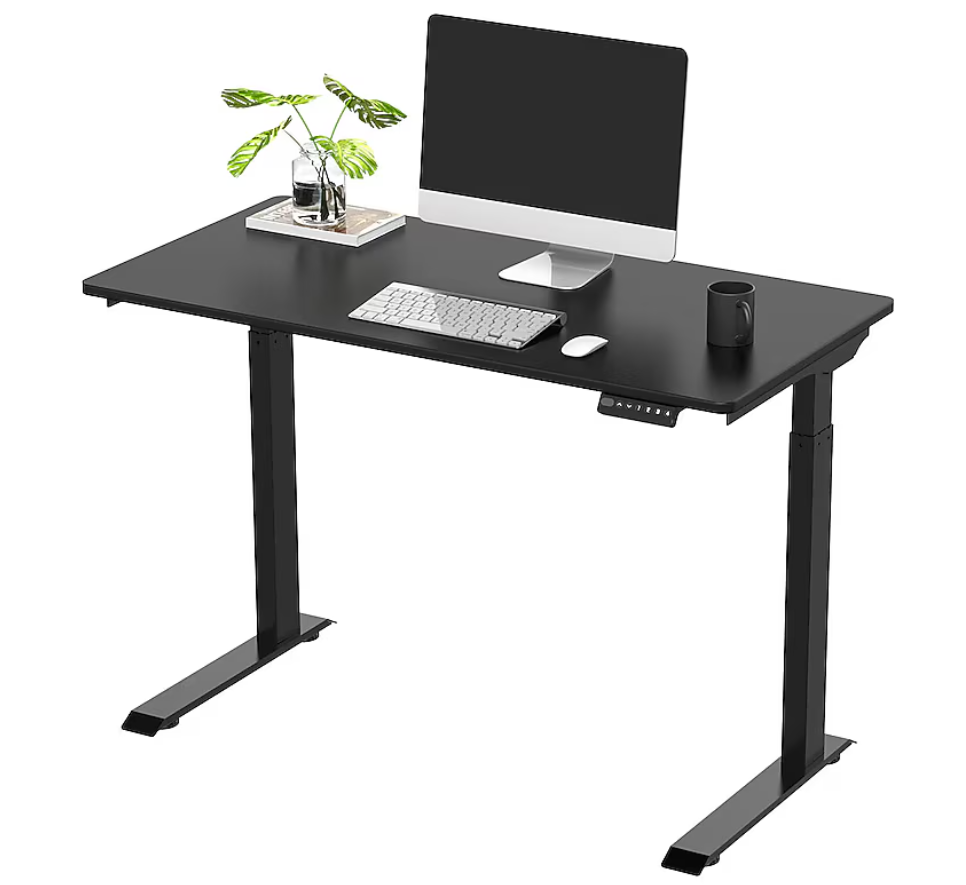
Image Source: https://www.lowes.com/
| Pros | Cons |
| Strong steel frame | Premium cost |
| Smooth lifting system | Heavy desk |
| Stable at standing height | Limited design options |
| High weight capacity | Assembly required |
6. Secretlab Magnus Evo
The Secretlab Magnus Evo is a modern standing desk that is designed for gaming and professional setups. It has sturdy construction and an in-built cable management system. The desk is designed to hold equipment in place as well as provide for electric height adjustment.
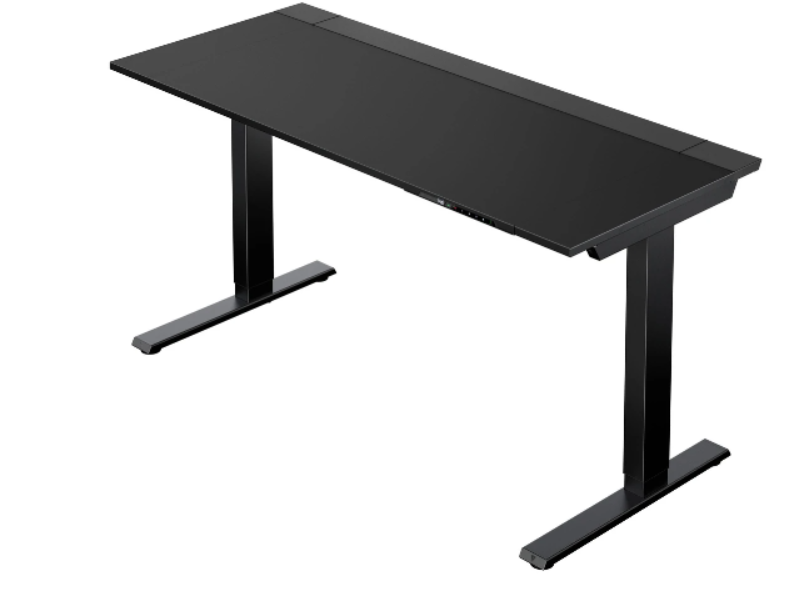
Image Source: https://secretlab.sg/
| Pros | Cons |
| Excellent cable management | Expensive |
| Durable construction | Heavy frame |
| Clean desk setup | Limited sizes |
| Electric height control | Gaming-focused design |
7. Boulies Magvida Standing Desk
This desk has its focus on modular design and good lifting performance. It supports magnetic accessories and these accessories are attached directly into the surface of the desk. The desk also has high weight capacity for monitors and computer equipment.
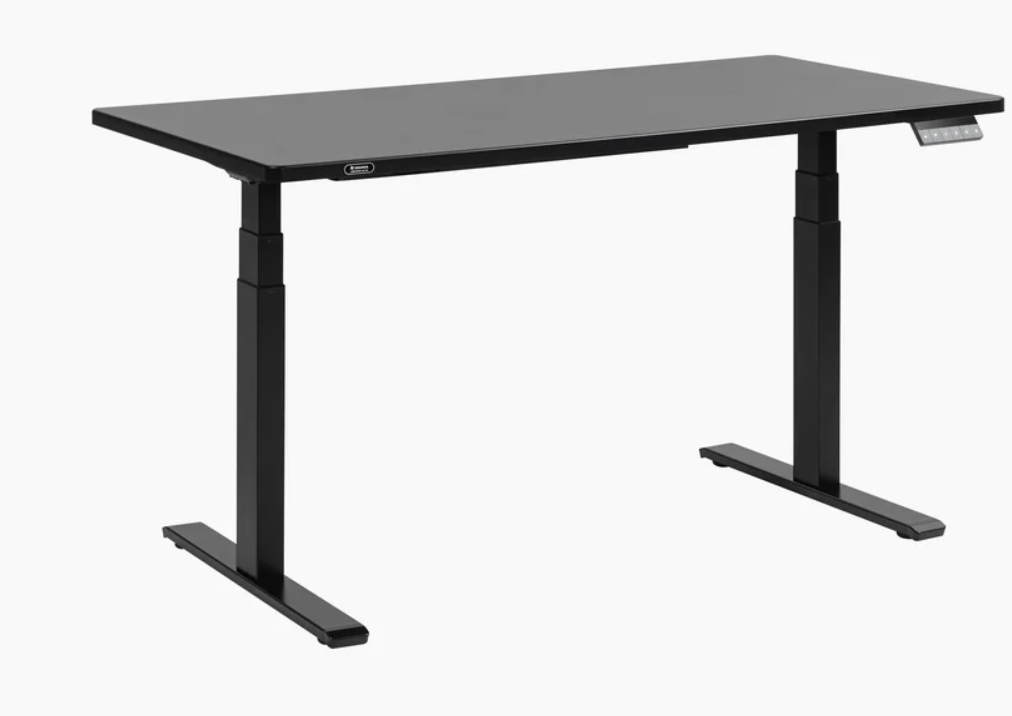
Image Source: https://boulies.com/
| Pros | Cons |
| Modular accessories | Higher price |
| High weight capacity | Limited availability |
| Clean workspace design | Heavy desk |
| Electric adjustment | Fewer size options |
Also Check: Best Standing Desk Frame
8. Maidesite TH2 Pro Plus
It’s an electric standing desk with set points for height. It offers stable lifting performance & clean modern design. The desk is suitable for use in home offices where the need for sit-stand adjustments is reliable.
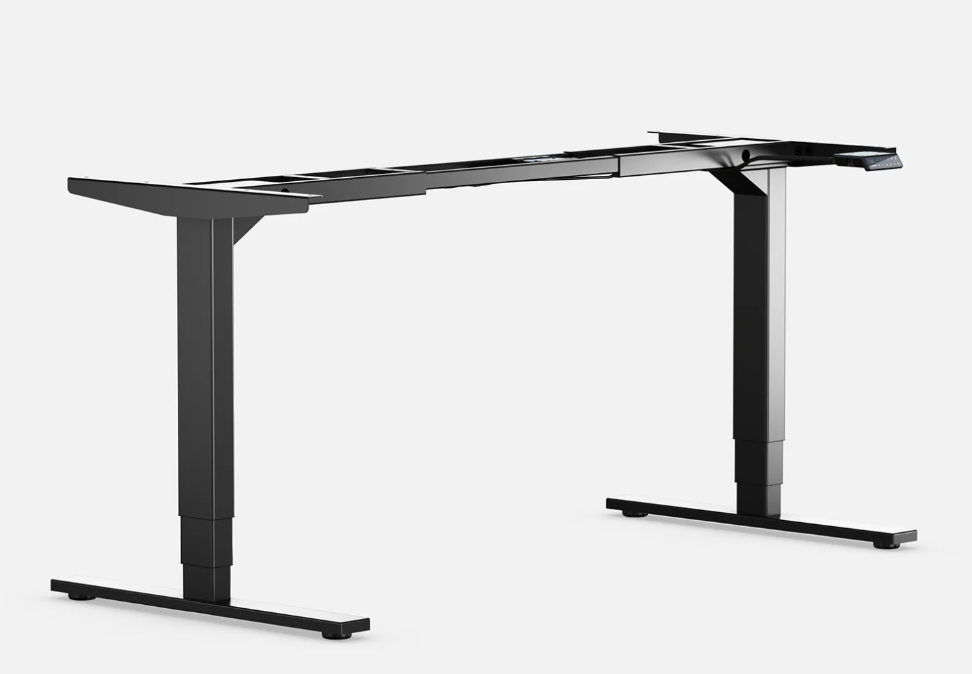
Image Source: https://www.maidesite.co.uk/
| Pros | Cons |
| Programmable height presets | Assembly required |
| Smooth electric lift | Basic desktop options |
| Stable frame design | Moderate price |
| Modern design | Limited accessories |
9. Uplift V2 Corner Standing Desk
The Uplift V2 Corner Standing Desk is a customizable work station that is extremely stable. It supports many kinds of desktop sizes and accessories. The features of the desk are that it has a powerful lifting system, which works nicely for multi-monitor and professional setups.
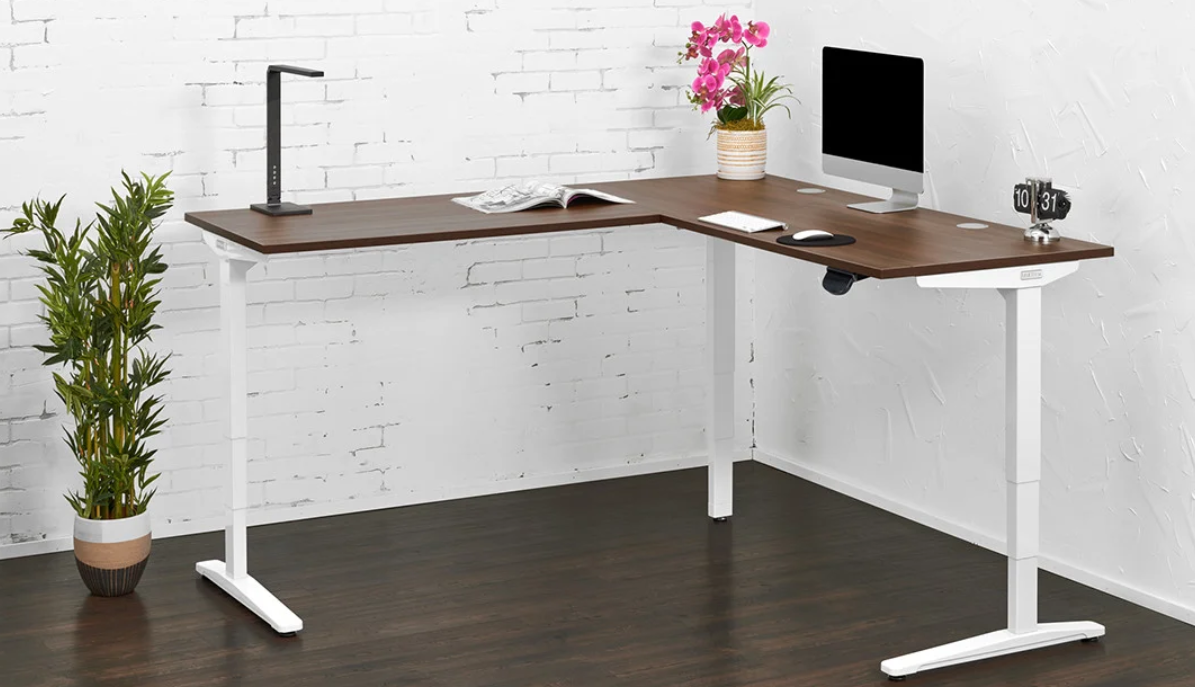
Image Source: https://www.upliftdesk.com/
| Pros | Cons |
| Highly customizable | Expensive |
| Strong stability | Large footprint |
| High weight capacity | Many configuration choices |
| Smooth height adjustment | Assembly time needed |
10. Vari L-Shape Electric Standing Desk
The Vari L-Shape Electric Standing Desk features a tri-motor lifting system that is designed for large workstations. It provides for constant height adjustment, even for heavy equipment. The desk is commonly used in professional offices that need to work at wide corners.
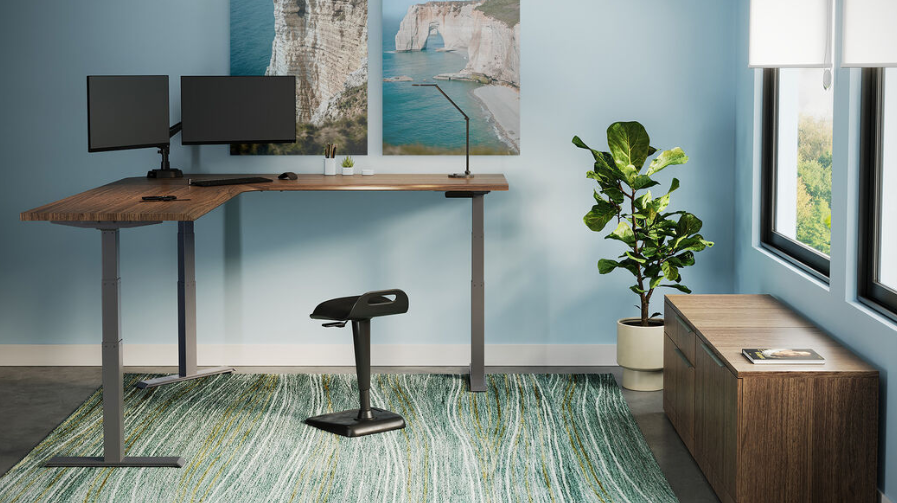
Image Source: https://www.vari.com/
| Pros | Cons |
| Tri-motor lifting system | Premium price |
| Very stable design | Large desk size |
| Good for heavy setups | Heavy frame |
| Large workspace surface | Limited customization |
Comparison Table
| Desk | Type | Adjustment | Best For |
| Liftdesk Sendi E | Electric desk | Button control | Home offices |
| Sendi Frame B | Adjustable frame | Electric lift | Custom desktops |
| Sway Standing Desk | Electric desk | Touchscreen | Premium workspaces |
| Brödan Electric L Desk | L-shaped electric | Motorized | Large corner setups |
| FlexiSpot E9 | Electric desk | Motorized | Heavy workstation setups |
| Secretlab Magnus Evo | Electric desk | Motorized | Gaming setups |
| Boulies Magvida | Electric desk | Motorized | Modular desk accessories |
| Maidesite TH2 Pro Plus | Electric desk | Preset control | Modern home offices |
| Uplift V2 Corner | Electric desk | Motorized | Multi-monitor workstations |
| Vari L-Shape Electric | Electric desk | Tri-motor system | Professional offices |
FAQs
Are corner standing desks good for small rooms?
Yes, they are often good options for smaller spaces. The corner design facilitates the utilization of areas in the room that may otherwise remain unused.
Can a corner stand desk support multiple monitors?
Most corner desks have a larger surface that supports two or even more monitors. This layout also makes it possible to better lay out screens and to view from different angles.
Do corner standing desks have electric motors?
Many modern corner standing desks use electric motors for the height adjustment. With the press of a button, the desk can smoothly move between a sitting and standing position.
What size space do you need for a corner desk?
Corner desks typically require approximately 120-180 cm of wall space on each side. Measuring the space available first is helpful to ensure that the desk will fit properly.
Is a corner desk better than a straight desk?
It depends upon how the workspace is being used. Corner desks have more surface area and are more convenient to organize equipment along two sides.
Tips on Using a Corner Standing Desk
Measure Your Corner Space
Before constructing a corner standing desk, measure the wall space available at both sides. This helps in ensuring that the desk fits properly without obstructing movement around the room.
Position Monitors at Eye Level
It is best to have your main monitor slightly in front of you and the top of the screen close to your eye level. This helps to reduce neck strain in the case of long work sessions.
Keep Frequently Used Items Nearby
Arrange your keyboard, mouse, and tools you need on a daily basis within reach. This aids in improving the workflow and prevents unnecessary stretching across the desk.
Use Cable Management
Corner desks often have several devices, so it is important to organize the cables.
Change Positions Throughout the Day
A user should switch between sitting down and standing up regularly. Changing positions every 30-60 minutes can help to decrease stiffness and increase comfort while working.
Keep the Desk Balanced
Spread the monitors and equipment out evenly across the desk surface. This helps to keep it stable, especially when the desk is raised up to standing height.
Conclusion
A corner standing desk is helpful in creating an efficient and organized workspace. Its plan utilizes the corner space and leaves a large surface for monitors and equipment. With the use of adjustable height, it is suitable for sitting and standing work. Choosing the right size, frame stability, and features can help create a restful setup for productivity.

Liftdesk is a professional standing desk manufacturer, offering expert buying guides, workplace design, and ergonomic tips to help you create a healthier, more productive workspace.